8
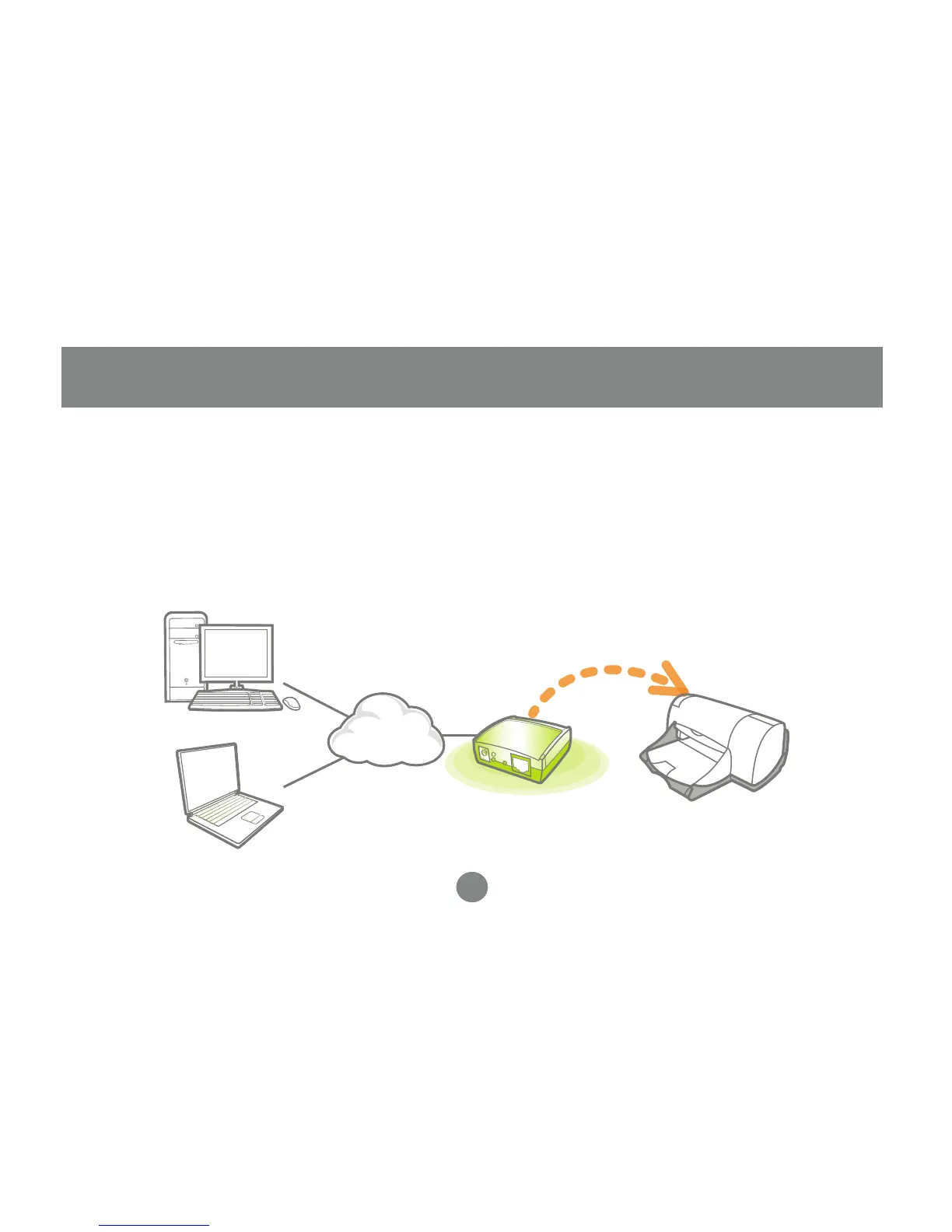
Hardware Installation
Connect a USB cable from the printer to
the USB port on the print server.
Connect one end of the ethernet patch
cable to the ethernet port on the print
server.
1.
2.
Connect the other end of the ethernet
cable to the network. It can be plugged
into a router, ethernet switch/hub, or
bridge.
Connect the Power adapter to the print
server.
3.
4.


 To Next Page