9
Software Installation - Windows
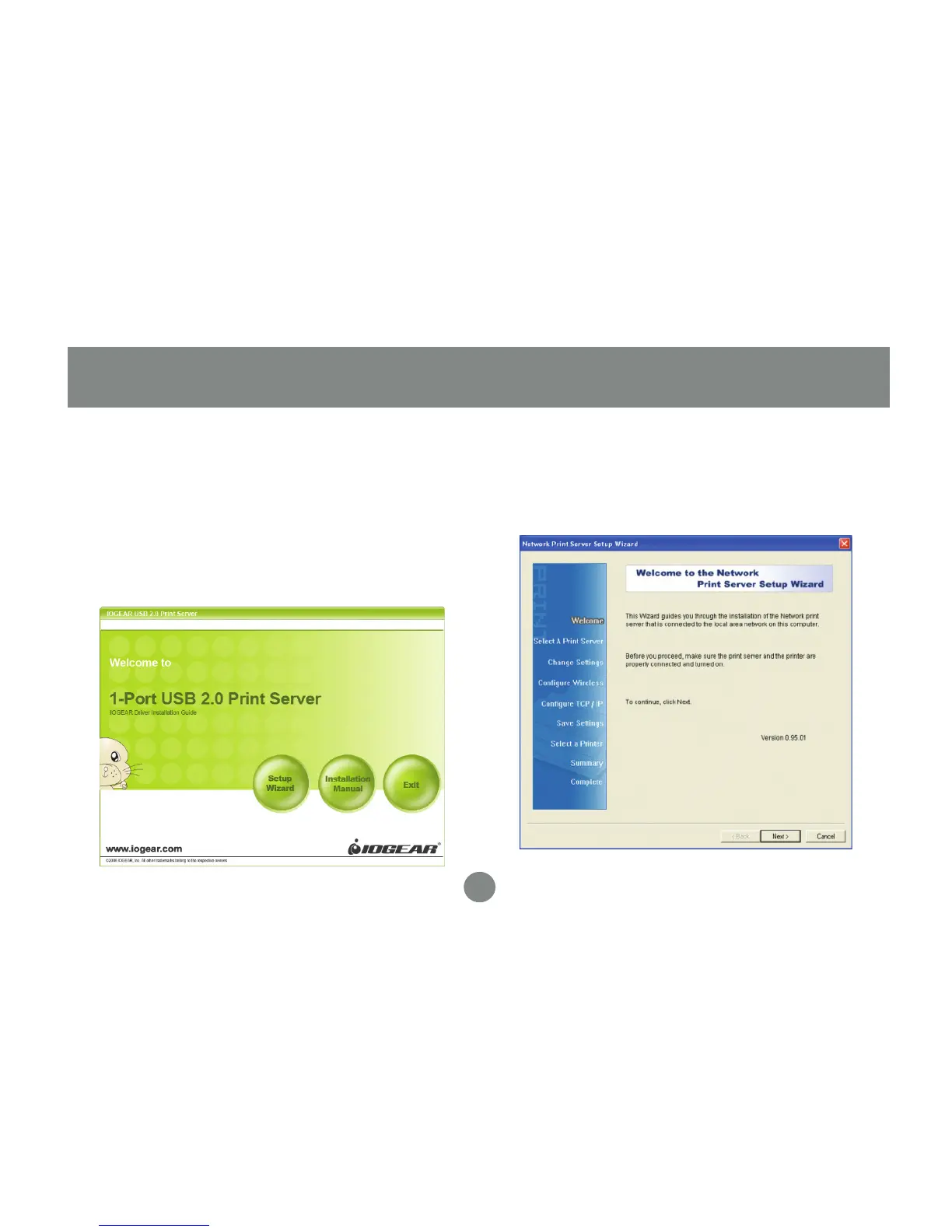
Insert the Setup CD into your computer.
The setup utility should launch
automatically. If it does not, browse to
your CD drive and launch the autorun.exe
file from the CD. Click the Setup Wizard
option from the main menu.
1.
A wizard will step you through the entire
process on Windows computers. Click
Next to continue.
2.
Software Installation - Windows


 To Next Page