18
Software Installation – IPP
To print from a remote location, you
will first need to make sure port 631 is
forwarded through your router’s firewall to
the print server. Then simply set up IPP
using the address
http://(print-server-ip):631/lp1 as shown
here on an example Windows XP system.
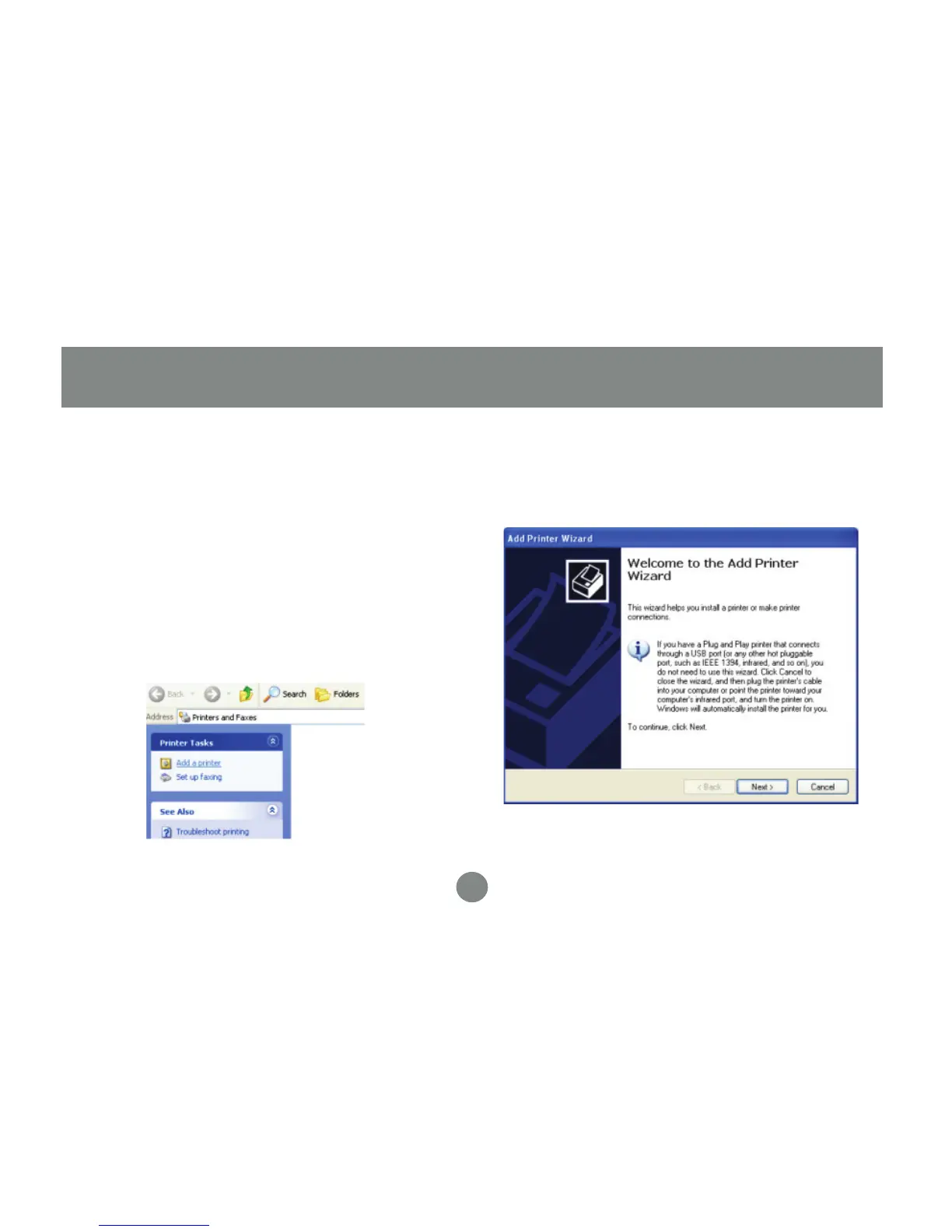
Click Add a printer from your printers and
faxes window to begin.
1.
Software Installation – IPP
Click Next when the Add Printer Wizard
appears.
2.


 To Next Page