of the selected CD drive will open.
Inserting or Ejecting a CD
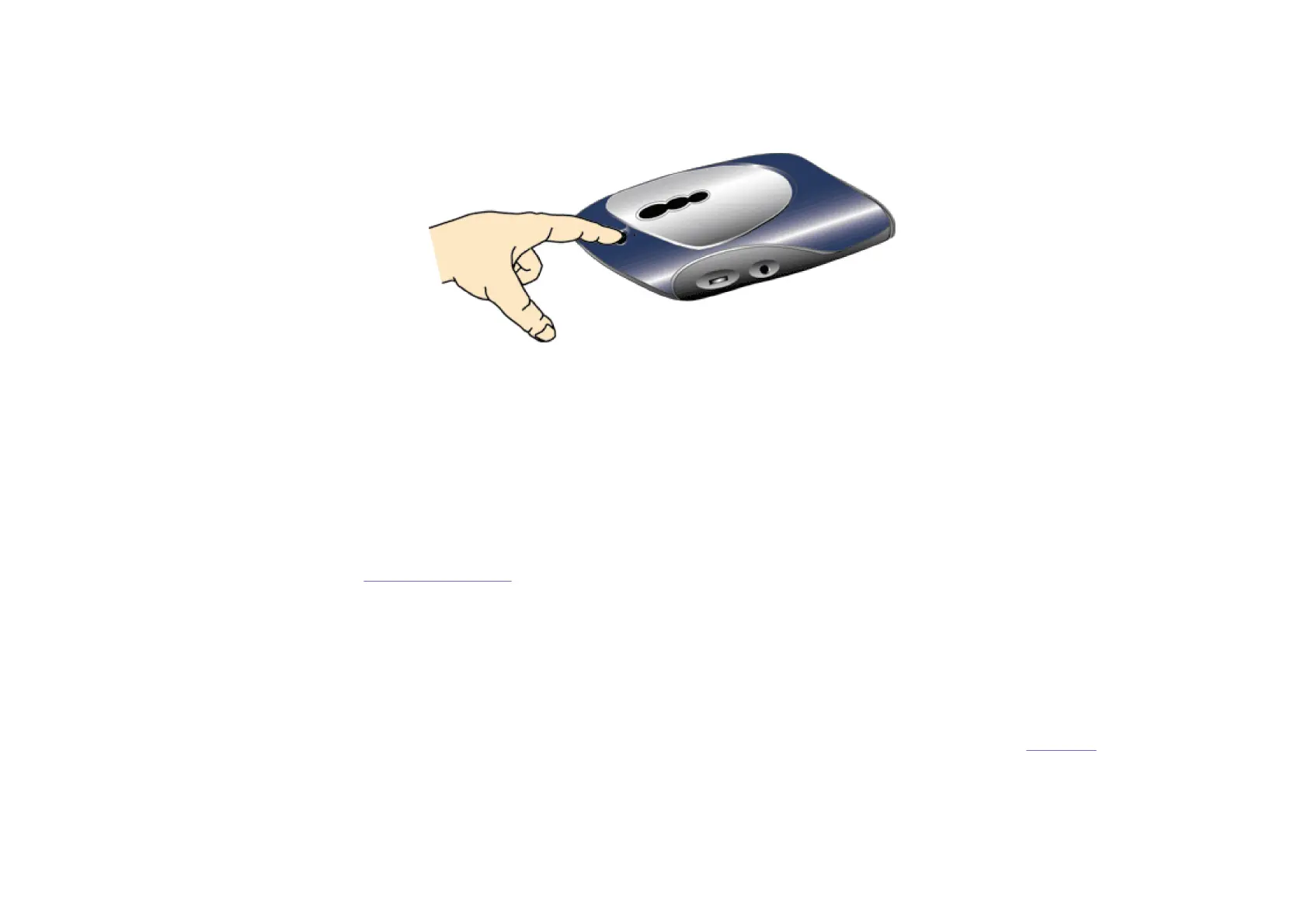
Press the eject button on the Iomega CD-RW drive to insert or remove discs. When you insert a CD into the Iomega CD-RW drive, the red activity light flashes.
Ejecting a Disc in Case of Power Loss
The Iomega CD-RW drive must be receiving power for normal disc insertion and removal. However, if you need to eject a disc during a power failure, use the following steps:
CAUTION!
Never remove a disc manually while the power supply is connected to the Iomega CD-RW drive.
1. Turn off your computer and Iomega CD-RW drive.
2. Disconnect the power to the Iomega CD-RW drive.
3. Insert a straightened paper clip into the emergency eject hole to eject the CD.
Disconnecting Your Iomega CD-RW Drive
Always close any open files and remove the CD before disconnecting the Iomega CD-RW drive. Disconnect the cable first, then remove the cable from the drive.
Using the Drive as an Audio CD Player
NOTE:
The following instructions enable you to listen to audio CDs through your computer speakers. You can also connect headphones to the audio jack on the side of the CD-
drive. Plug in headphones only while listening to audio CDs.
Connecting the Audio Cable:
1. To avoid damage to your computer and Iomega CD-RW drive, turn off the power to both your computer and the Iomega CD-RW drive.
Print this User's Manual as a reference before shutting down your computer.



 To Next Page
 Loading...