13
MusicMatch Jukebox
™
Plus Software
Transferring Audio Files to the HipZip
™
Player
Iomega has provided audio management software,
MusicMatch Jukebox
™
Plus, that will help you create digital
audio files from your existing CD collection, download
audio files from the internet, organize the files into
playlists, transfer the playlists to your HipZip™ player, and
more.
For simple instructions on using MusicMatch Jukebox
™
, start
MusicMatch and read the “Welcome Tips” located under the
Help menu.
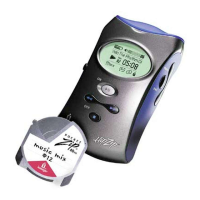
To transfer audio files from the computer to the HipZip
™
player, follow the operating-system specific instructions on
the following page:
NOTE: Audio files must be located on the root directory only
(not in folders or subdirectories) of the HipZip
™
player. The
HipZip player will not play audio files inside folders.


 To Next Page