Installing IomegaWare
™
Software
4
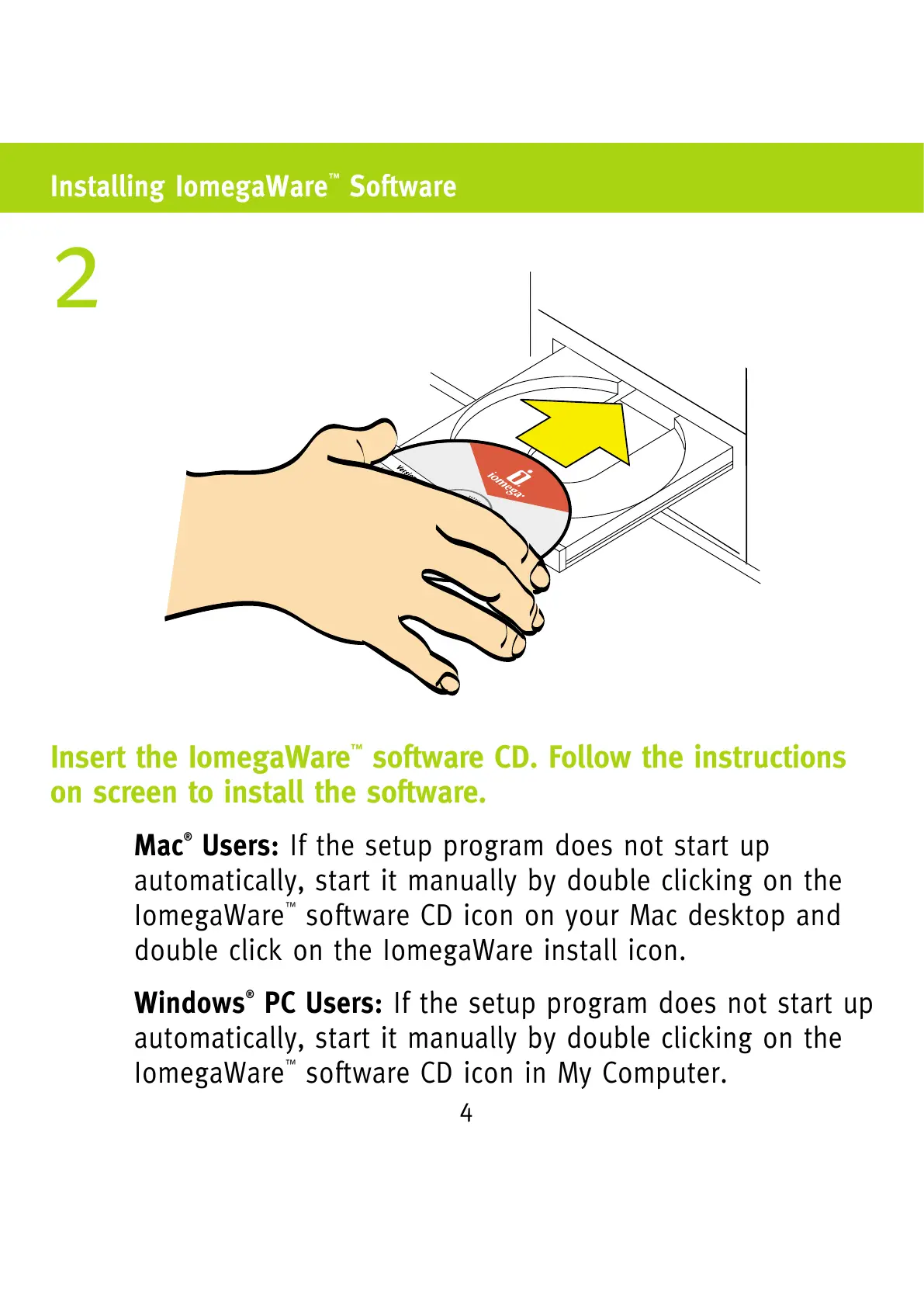
Insert the IomegaWare
™
software CD. Follow the instructions
on screen to install the software.
Mac
®
Users: If the setup program does not start up
automatically, start it manually by double clicking on the
IomegaWare
™
software CD icon on your Mac desktop and
double click on the IomegaWare install icon.
Windows
®
PC Users: If the setup program does not start up
automatically, start it manually by double clicking on the
IomegaWare
™
software CD icon in My Computer.
2



 To Next Page