14
MusicMatch Jukebox
™
Plus Software
Windows
®
PC Users:
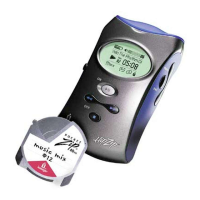
1. Connect the player to your computer and insert a mini
PocketZip
™
disk into the player.
2. Start MusicMatch Jukebox
™
(Click on Start, Programs,
MusicMatch Jukebox.)
3. Select a playlist.
4. Click on Options in the main menu.
5. Select Send to Device.
6. Select Download Playlist to the HipZip
™
Player.
Mac
®
OS Users:
1. Connect the player to your computer and insert a
PocketZip
™
disk into the player.
2. Using Finder, locate the audio file(s) (e.g.,
SongABC.mp3) you want to transfer. (If you used
MusicMatch Jukebox
™
to create the file, look in the
MusicMatch Jukebox\Music\ folder.)
3. Drag and drop the file(s) (not folders) to the HipZip
™
player icon on the desktop.


 To Next Page