NOTE to Windows 98 SE Users
4. Restart your computer.
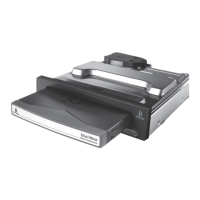
5. Be sure you have inserted a Peerless disk into the FireWire Peerless base station.
Windows PC Users:
You will see the Peerless icon in My Computer or Windows Explorer.
Mac OS Users:
When you insert a Peerless disk, a Peerless icon will appear on your Mac Desktop.
If Then
If the first time you connect the FireWire Peerless
Drive System to the computer you see the
Insert
Disk
dialog box, "Please insert the disk labeled
Windows 98 Second Edition CD-ROM"
do
not
insert the Windows 98 CD-ROM disk.
Insert the Solutions CD that came with the
FireWire Peerless Drive System
. Click
OK
.
This message will only appear the first time
you connect the FireWire Peerless Drive
System. Proceed to the next step.
If the disk labeled "Windows 98 Second Edition
CD-ROM is in your CD drive when you connect the
computer to the FireWire Peerless Drive System,
you will see the
Version conflict
dialog box that
says "File being copied is older than the file on your
system. Do you want to keep the current file?"
Always click
Yes
for all messages. (More than
one dialog box will appear.) These messages
will only appear the first time you connect the
FireWire Peerless Drive System. Proceed to
the next step.










 To Next Page