4
MIC AUX IN
CHARGE
5V 1A
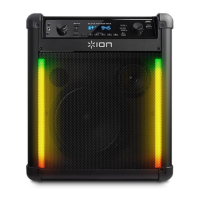
BLOCK ROCKER PLUS
MIN MAX MIN MAX
Quick Setup
1. Make sure all items listed in the Box Contents are included in the box.
2. Read the Safety & Warranty Manual before using the product.
3. Make sure the battery is completely charged prior to first use for maximum battery life.
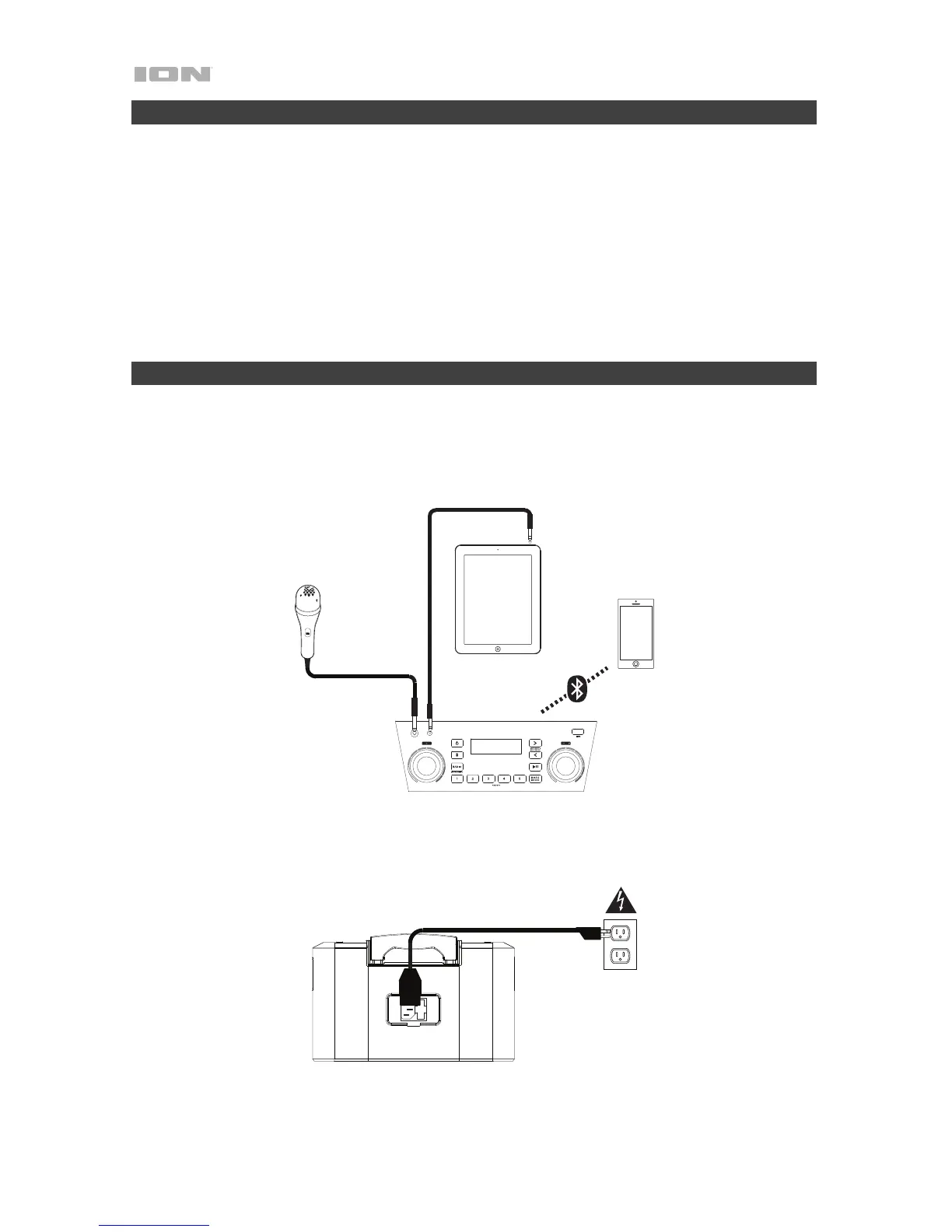
4. Study the Connection Diagram.
5. Ensure the Master Volume on Block Rocker Plus is at zero.
6. Connect your devices.
7. Raise the volume to a comfortable level.
8. Return the Master Volume to zero when you are finished using Block Rocker Plus.
Setup
Items not listed under Introduction > Box Contents are sold separately.
Tablet, MP3
player, etc.




 To Next Page