5
Features
Front Panel
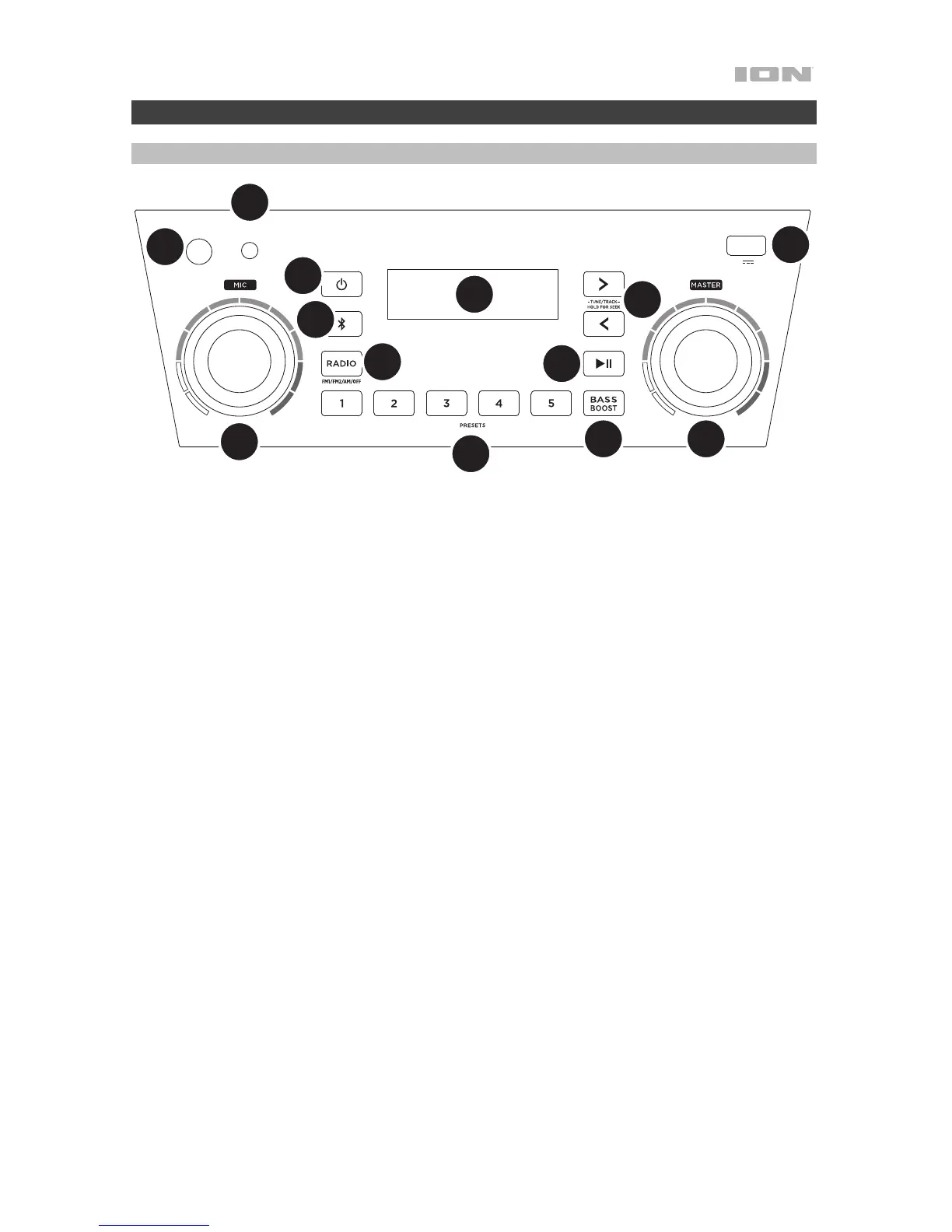
1. Power Button: Turns Block Rocker Plus on or off. Please note that while Block Rocker Plus is connected to a
power source, it does not need to be powered on to charge the battery. When the power is on, the display will
show the power indicator.
2. Bluetooth Button: Press the Bluetooth button to disconnect a paired Bluetooth device.
3. Bass Boost: Press this button to enhance the overall bass frequency response.
4. Radio Selector: This button sets the Radio to FM1, FM2, AM or turns the radio off.
5. AM/FM Presets: Store a favorite radio station and quickly tune to a preset radio station. There are 5 numeric
positions to store AM band presets and 2 banks of 5 numeric positions each to store FM1 and FM2 band
presets.
To add a preset:
i. Select FM1, FM2, or the AM band and then use the Tune/Track buttons to select the desired radio
station.
ii. Press and hold a numeric preset button to assign the current station to that preset number. The display
will show “SAV” to show the station has been saved. To use an added preset, press a preset number
once lightly to go to the stored radio station.
6. Tune/Track Buttons: Tap these buttons to tune in a radio station or go to the previous/next track on a
Bluetooth connected device. To “seek” (jump to the next available station), hold either button down for a few
seconds until it starts to seek a station. The unit will remember the last station it was on and start at that station
when powered off and on again.
7. Play/Pause: Press to play or pause a track from a connected Bluetooth device.
MIC AUX IN
CHARGE
5V 1A
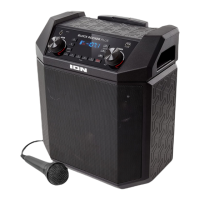
BLOCK ROCKER PLUS
MIN MAX
MIN MAX
4
5
6
7
8
9
10
12
3
11
1
2
10




 To Next Page