27
CHAPTER 6: MIDI SETUP
Page 1: Transmit Pad Events Via Midi Out (Pads Out)
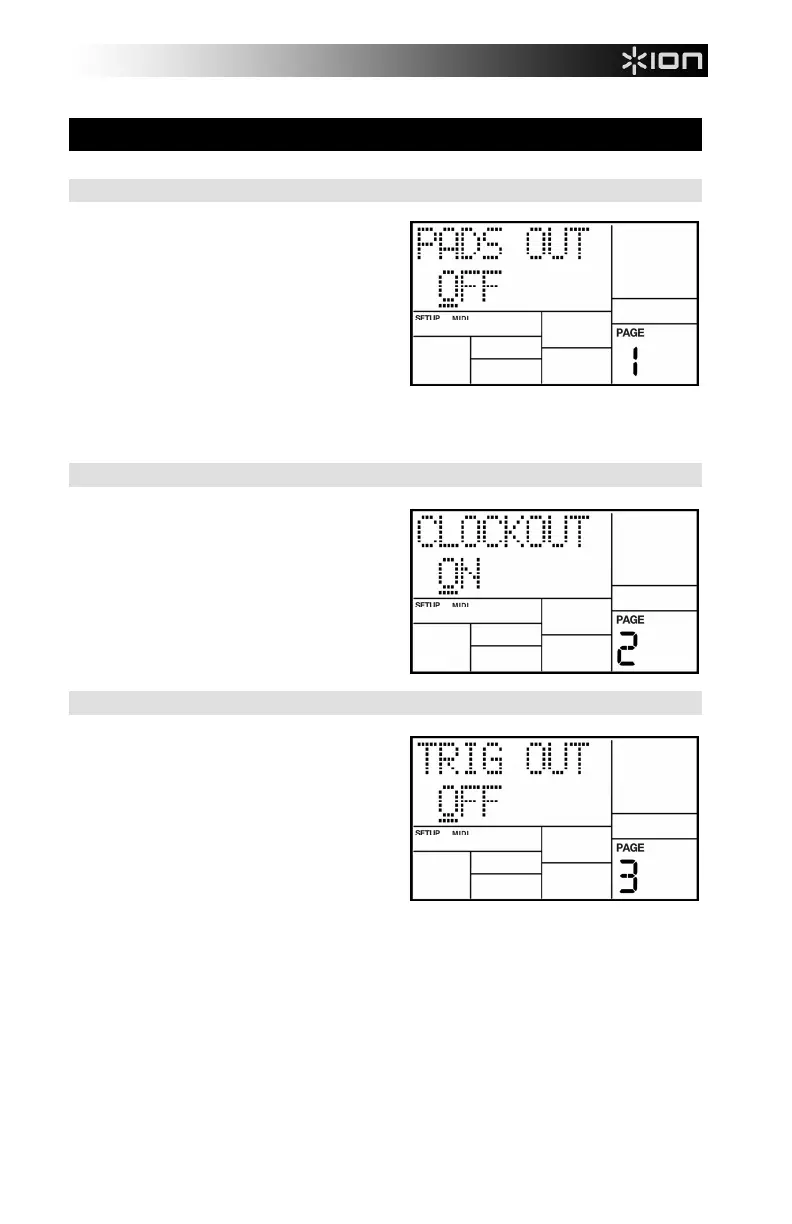
The display shows PADS OUT. To have the
iDM02 output MIDI note data from pad hits,
select ON. Select OFF if you don't want the
iDM02 to transmit note data.
Background Select ON to if you wish to
use the pads on the iDM02 to drive other
drum sound expander modules. If the iDM02
is acting as a drum machine and provides
the master clock to a MIDI system, select
OFF so that other devices don't respond to
the MIDI note data.
Page 2: Send Clock Data To Other Devices (Clockout)
The display shows CLOCKOUT. To have
the iDM02 generate timing data at its MIDI
out, select ON. Select OFF to inhibit MIDI
timing signals from appearing at the MIDI out
jack.
Page 3: Transmit Trigger Events Via Midi Out (Trig Out)
The display shows TRIG OUT. To have the
iDM02 output MIDI note data from external
triggers connected to the rear panel, select
ON. Select OFF if you don't want the iDM02
to transmit note data from external triggers.
Background Select ON to if you wish to
use your external triggers to drive other drum
sound expander modules. If the iDM02 is
acting as a drum machine and provides the
master clock to a MIDI system, select OFF
so that other devices don't respond to the
MIDI note data.



 To Next Page