2
User Guide (English)
Introduction
Box Contents
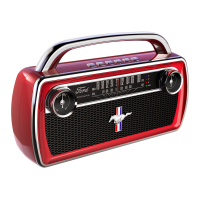
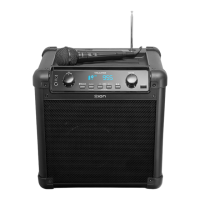
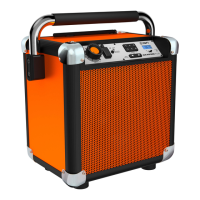
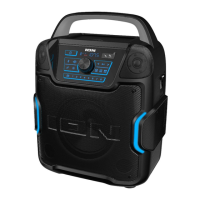
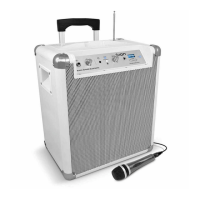
• Rock Block/ Mini Block Rocker
• USB Charging Cable
• 3.5 mm (1/8”) Stereo Aux Cable
• Quickstart Guide
Support
For the latest information about this product (system requirements, compatibility information,
etc.) and product registration, visit ionaudio.com/rock-block
or ionaudio.com/miniblockrocker.
For additional product support, visit ionaudio.com/support.
For safety and warranty information, see ionaudio.com/warranty.
Charging Rock Block/ Mini Block Rocker
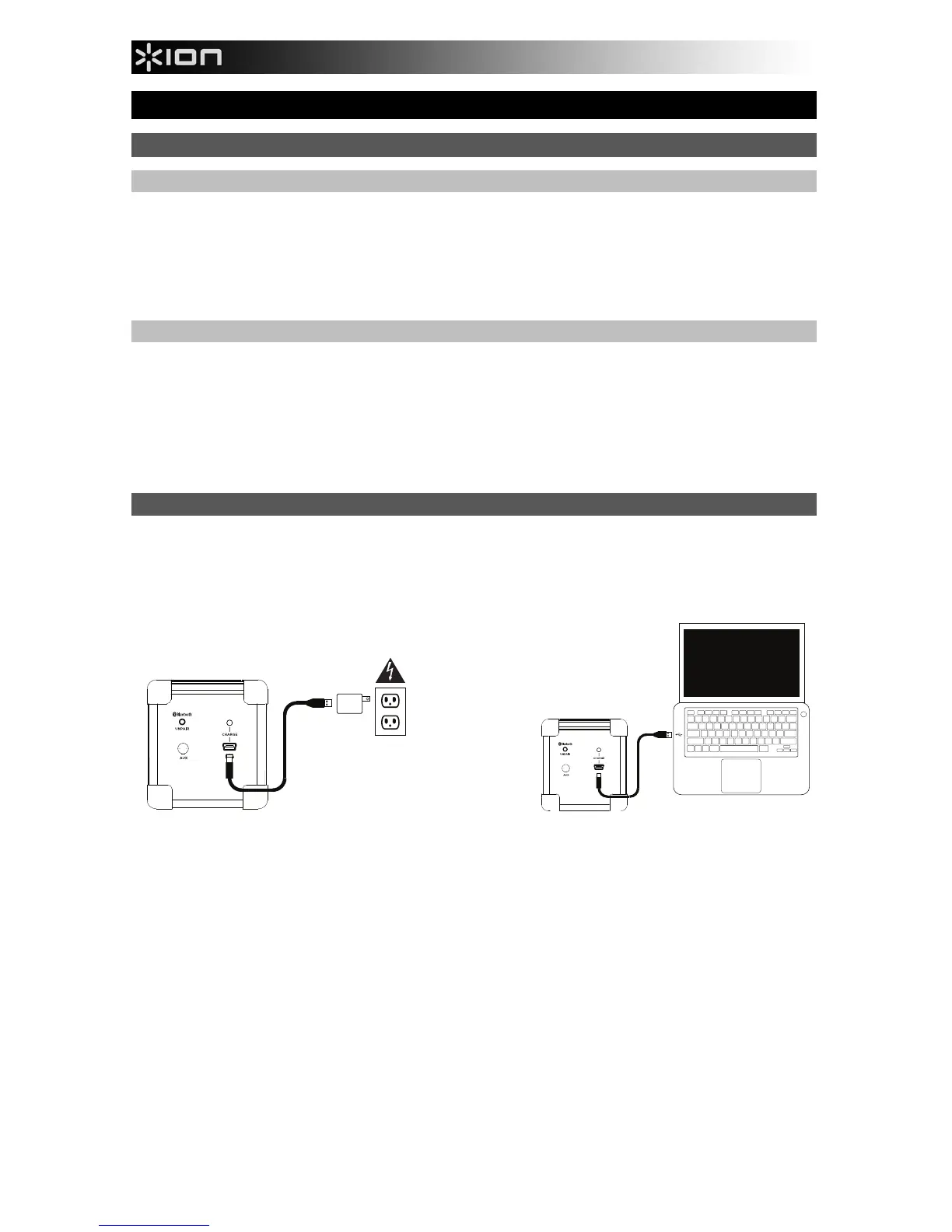
Use the included micro-USB cable to connect Rock Block/ Mini Block Rocker to (A) a USB
power adapter connected to a power outlet or (B) your computer (powered on) for 3 hours.
The Battery Charging LED will be lit while the unit is charging and the LED will turn off when
charging has completed.
(A)
(B)
Power Supply*
*Sold Separately
(A)
Computer*





 To Next Page