EasyManua.ls Logo

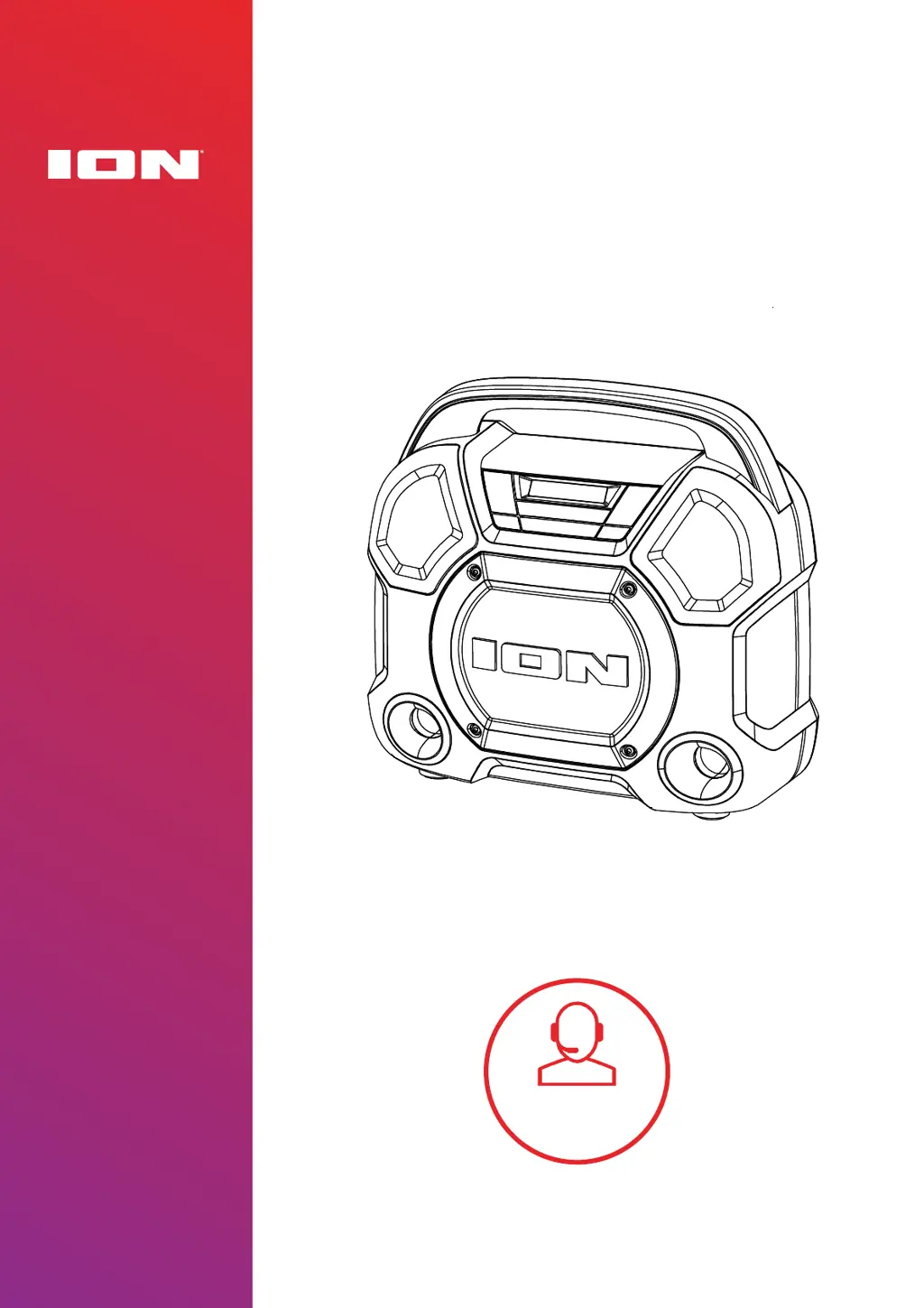
ION Explorer Express - User Manual

ION Explorer Express
21 pages
Print Icon
To Next Page IconTo Next Page
Loading...
EXPLORER
TM
EXPRESS
Tap or click
for technical
support.
ionaudio.com/support
User Guide
English

Questions and Answers

  • M
    Marvin MartinJul 29, 2025
    How to fix ION Portable Speakers when it is not charging?
    • R
      Robin WilliamsJul 29, 2025
      Make sure the USB-C® cable is properly connected to the power input, the power adapter, and the power outlet to ensure your ION Portable Speakers are charging correctly.
  • J
    jacobhughesAug 3, 2025
    What to do if audio drops out when playing music via Bluetooth on ION Explorer Express?
    • S
      Scott MooreAug 3, 2025
      If you experience audio dropouts while playing music from a Bluetooth device on your ION Portable Speakers, it might be trying to link to another speaker. Exit Stereo-Link™ mode by double-pressing the Stereo-Link™ / Repeat button. If there is another speaker within range, wait for your unit to link to it.
  • A
    Amy BurnsAug 8, 2025
    What to do if the sound is distorted on ION Explorer Express?
    • R
      Rachel WagnerAug 8, 2025
      If the sound from your ION Portable Speakers is distorted, try lowering the volume control of your sound source.
  • R
    raymond21Aug 12, 2025
    Why is there too much bass on my ION Explorer Express Portable Speakers?
    • R
      Robert TaylorAug 12, 2025
      If there is too much bass when using your ION Portable Speakers, try adjusting the tone or EQ control on your sound source to lower the bass level. Also, check to see if the BOOM function is enabled, and disable it by pressing the BOOM button™.
  • N
    Nichole RiveraAug 18, 2025
    Why do I hear a hum when cables are connected to my ION Portable Speakers?
    • M
      Misty SimonAug 18, 2025
      If you hear a hum when cables are connected to your ION Portable Speakers, disconnect cables from the input jacks to see if it’s a faulty cable. Also, ensure the signal cables are not placed near power cables, and connect all audio equipment power cables to outlets which share a common ground.
  • R
    Ryan HillAug 23, 2025
    How to make the microphone louder than the music on ION Portable Speakers?
    • E
      elizabethbrandtAug 23, 2025
      If you can’t hear the microphone over the music volume on your ION Portable Speakers, turn down the music volume from your source.

Summary

APPENDIX

Technical Specifications

Detailed technical specifications of the ION Audio Explorer™ Express.

Trademarks & Licenses

Information regarding trademarks and licenses associated with the product.

INTRODUCTION

Box Contents

Lists the items included in the Explorer™ Express package.

Support

Provides information on how to get support and find product updates.

SETUP

Charging and Battery Information

Instructions on how to charge the Explorer™ Express and manage battery life.

Outdoor Use and Care

Guidelines for using the Explorer™ Express in outdoor environments and proper care.

FEATURES

Front Panel

Details the controls and display elements on the front of the Explorer™ Express.

Rear Panel

Describes the ports and connections available on the rear of the Explorer™ Express.

OPERATION

App Control

Instructions on how to download and use the ION Sound Control™ app.

Pairing a Bluetooth Device

Steps to connect your Bluetooth device to the Explorer™ Express.

Linking Two Speakers

Guide to connecting two Explorer™ Express speakers for stereo sound.

Using the Radio

How to tune, save, and recall radio stations on the Explorer™ Express.

USB Playback Mode

Instructions for playing music from a USB drive.

Using the USB Charge Port

How to use the USB port to charge external devices.

TROUBLESHOOTING

Troubleshooting Common Issues

Solutions for common problems like charging, sound distortion, and connectivity.

ION Explorer Express Specifications

General IconGeneral
Battery LifeUp to 10 hours
Water ResistanceIPX5
BluetoothYes
USB Charging PortYes
AUX InputYes
Built-in MicrophoneNo
Light EffectsYes
Output Power20W
Microphone InputYes
Weight3.5 kg
Bluetooth RangeUp to 100 ft (30.5 m)

Related product manuals