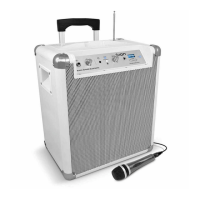
ION Audio Explorer™ Express User Guide 4
Thank you for purchasing the Explorer™ Express. At ION, your entertainment is as important
to us as it is to you. That’s why we design our products with one thing in mind—to make your
life more fun and more convenient.
Note: Before you first use the product, please fully charge the batteries. Your unit was
purposely shipped with a reduced battery charge to ensure safe transit. For optimal charging,
power o the speaker while charging.
Use the included USB-A to USB-C® cable to connect the unit to a 5V, 2A power adapter (not
included) connected to a power outlet and let it charge for up to 3 hours (depending on the
specifications of your adapter). This helps ensure the longest life for your battery.
Box Contents
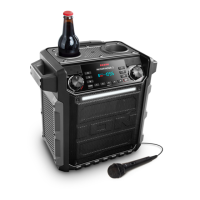
Explorer™ Express
USB-A to USB-C® Charging Cable (3.28 ft. / 1 m)
Quickstart Guide
Support
For the latest information about this product (documentation, technical specifications, system
requirements, compatibility information, etc.) and product registration, visit
ionaudio.com
.
For additional product support, visit
ionaudio.com/support
.
INTRODUCTION



 To Next Page