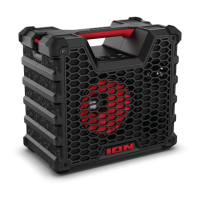
ION Audio Trailblazer™ Roar User Guide 8
3
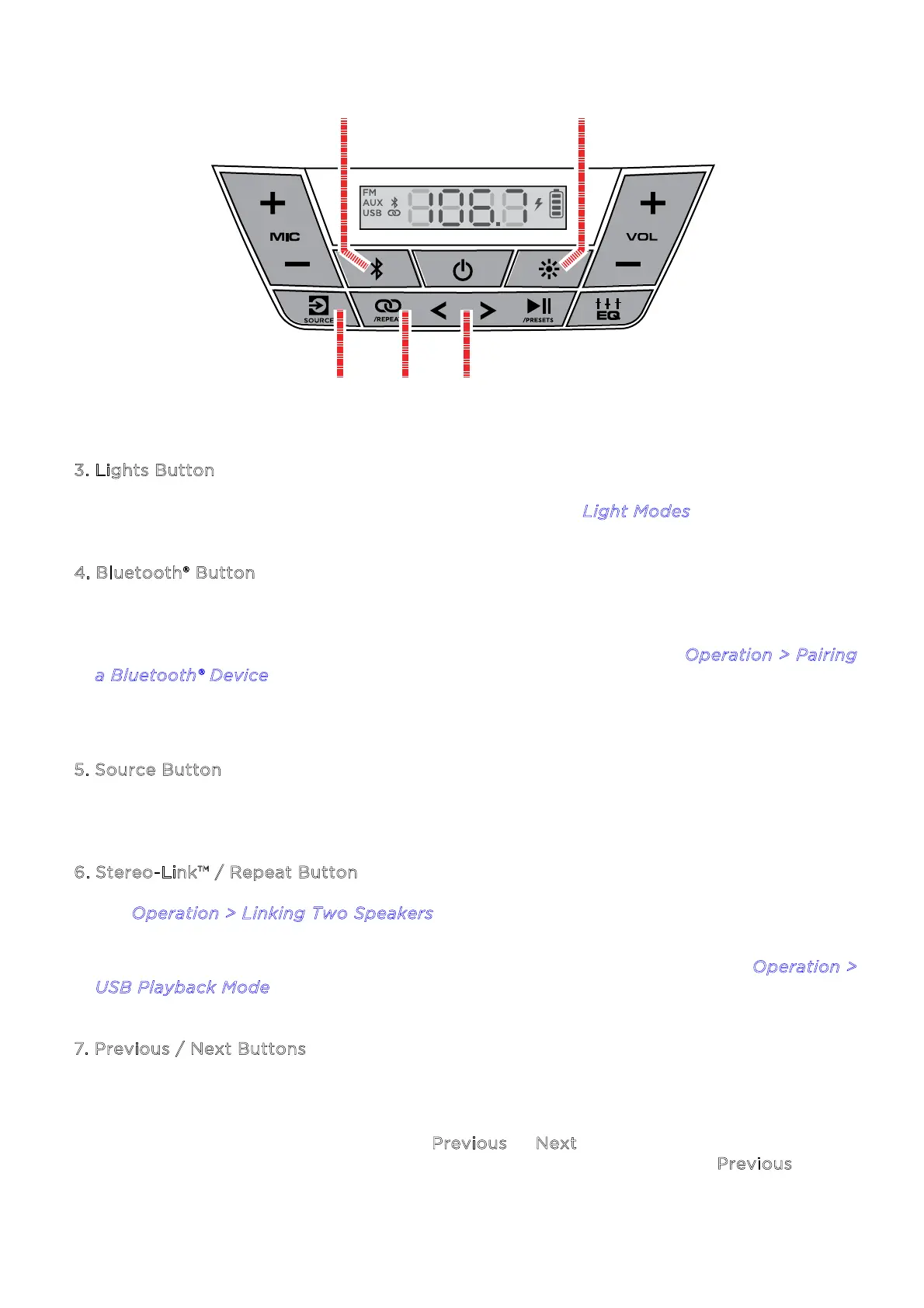
. Lights Button
Press this to cycle through the dierent light modes. See L
ight Modes for more details.
4
. Bluetooth® Button
Press this button to enter Bluetooth pairing mode. When connected to a Bluetooth device,
double-press this button to disconnect a paired device and re-enter pairing mode, or
single-press to disconnect a paired device and enter Aux mode. See O
peration > Pairing
a
Bluetooth® Device to learn how to connect a Bluetooth device.
Press and hold this button to enable or disable voice prompts.
5
. Source Button
Press this button to cycle between FM, USB, and Aux modes.
6
. Stereo-Link™ / Repeat Button
See O
peration > Linking Two Speakers to learn more about linking two Trailblazer™
Roar
speakers together using this button.
In USB playback mode, press this button to cycle between repeat modes. See O
peration >
U
SB Playback Mode to learn more.
7
. Previous / Next Buttons
In FM mode, press these buttons briefly to go to the previous or next station. Press and
hold these buttons to seek the previous or next strong station.
In Bluetooth and USB modes, press the P
revious or Next button to go to the beginning of
the current track or skip to the following track, respectively. Press the P
revious button
again within one second to skip to the previous track.
3
4
5
6
7


 To Next Page