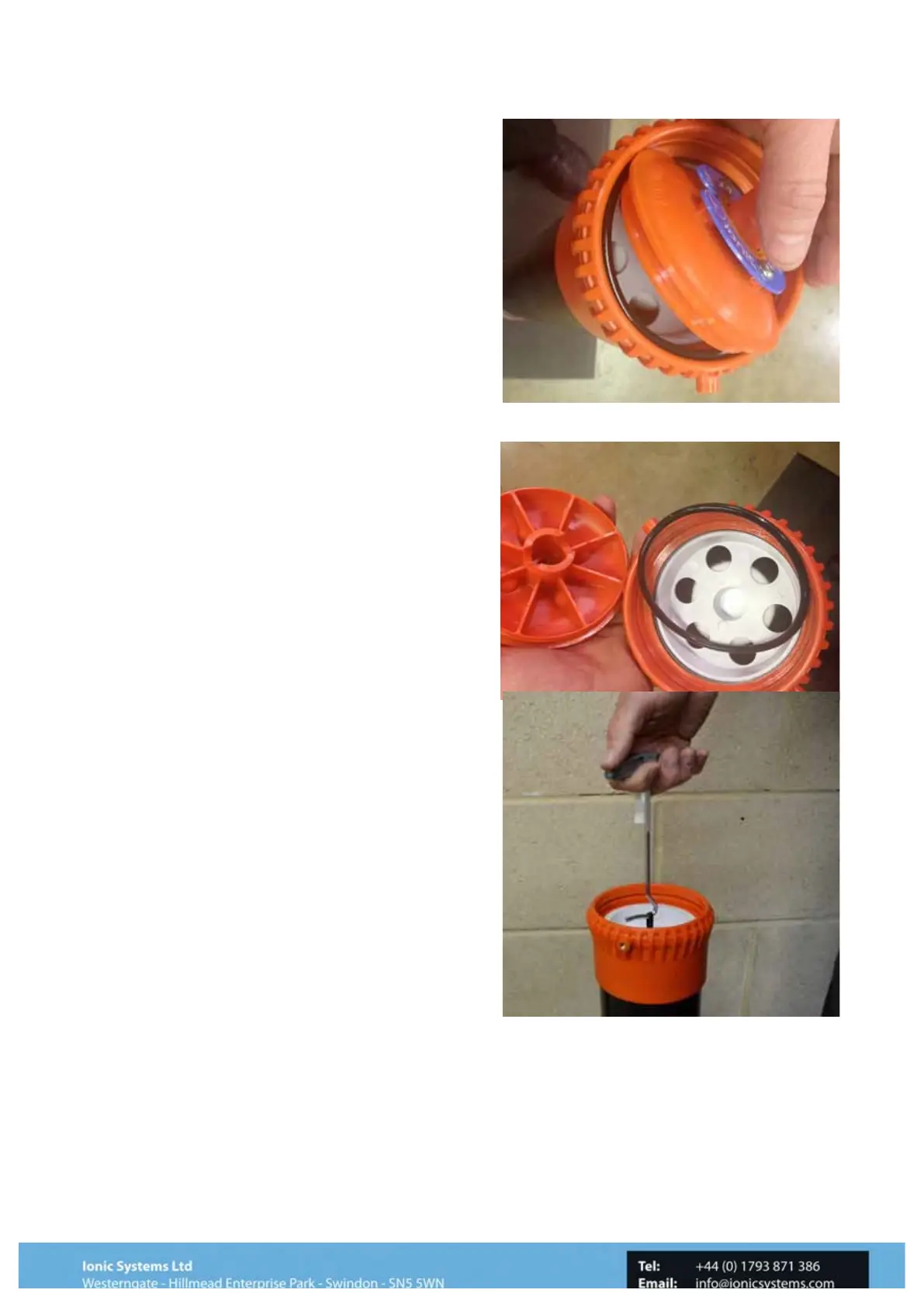
Step 7
With the snap ring removed, gently ease the cap
over to one side by pressing against the top port,
This will allow the cap to pop out from it’s housing.
Notice in this image the sealing ‘O’ ring has
remained in the top of the filter canister, this must
also be removed
Step 8
With the ‘O’ ring removed the Filter
element can be simply withdrawn by
hand and the replacement inserted in its
place.
(in this case a Sediment Filter)
Step 9
On some Filters when the Top Cap has
been removed a small black loop handle
will be visible.
Using either the Filter Element Element
tool or a finger. (1)Hook the loop and lift
upwards to release the Filter cartridge
from its housing.



 To Next Page