21
A. Set Time and Site
The correct time and coordinates are important to display the Pole star position correctly.
Press MENU=>Settings=>Set Time and Site
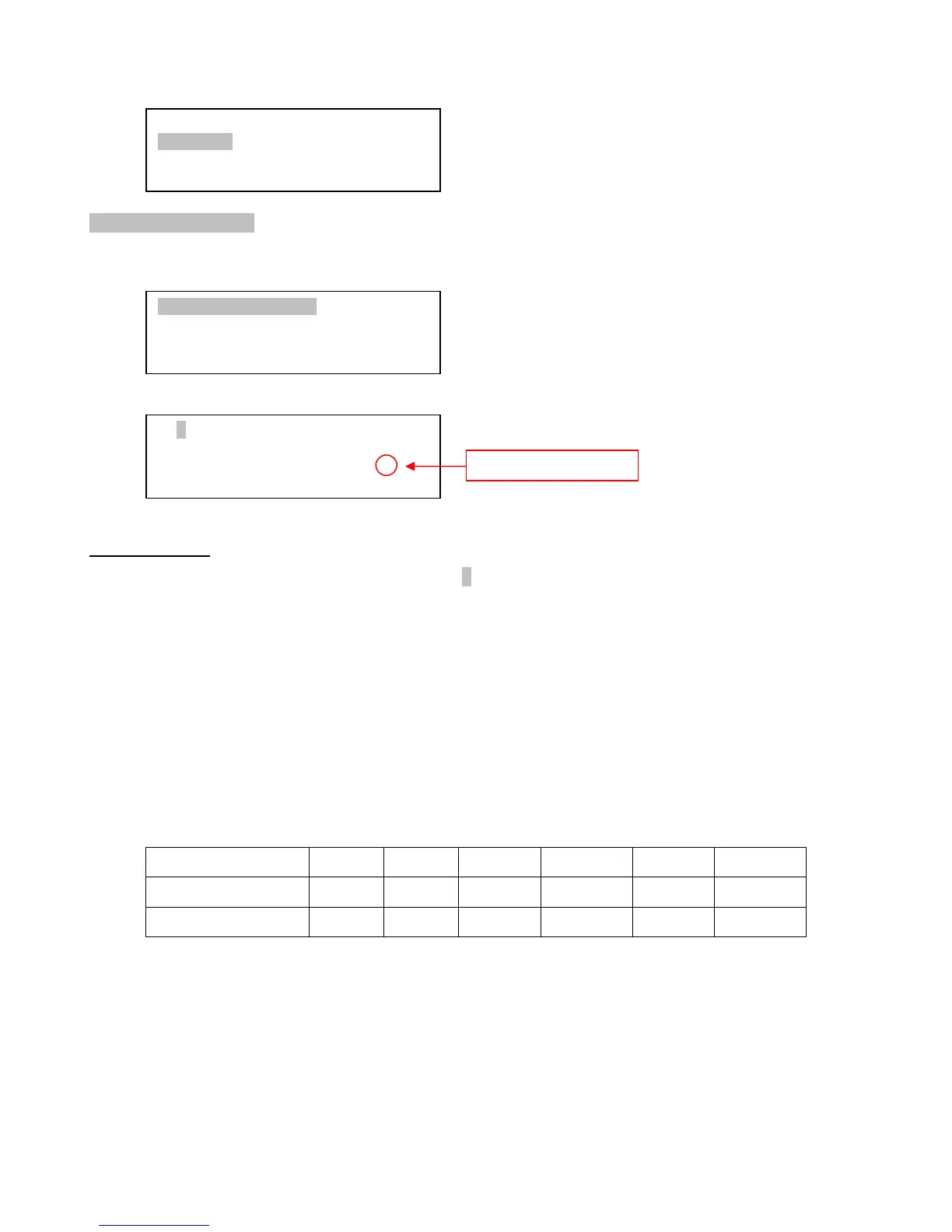
Press ENTER. A time and site information screen will be displayed:
Set Local Time
Use the ◄ or ► key to move the cursor _ and use the number keys to change the numbers.
Use the ▲ or ▼ button to toggle between “Y” and “N” for Daylight Saving Time, or “+” and “-“ for UTC
(Coordinated Universal Time) setting. Hold the arrow key to fast forward or rewind the cursor.
In order to make the Hand Controller reflect your correct local time, time zone information
has to be entered. Press the ◄ or ► key, move the cursor to the third line “UTC -300 Minute(s)” to
set the time zone information (add or subtract 60 minutes per time zone). For example:
Boston is “UTC -300 minutes”
Los Angeles is “UTC -480 minutes”
Rome is “UTC +60 minutes”
Beijing is “UTC +480 minutes”
Sydney is “UTC +600 minutes”
All the time zones in North America are “UTC –”, as shown in the following table, so ensure
the display shows “UTC -” instead of “UTC +” if in North or South America.
Time Zone Hawaii Alaska Pacific Mountain Central Eastern
Hour behind UT -10 -9 -8 -7 -6 -5
Enter UTC -600 -540 -480 -420 -360 -300
To adjust minutes, move the cursor to each digit and use the number keys to input the number
directly. Use ▲ or ▼ key to toggle between “+” and “-”. When the time information entered is correct,
press ENTER and go back to the previous screen.
Do not manually add or subtract an hour from displayed time to reflect Daylight Saving Time
(DST). Only select “Y” after DST begins.
For other parts of the world you can find your “time zone” information from internet.
2013-04-01 12:01:36
UTC -300 Minute(s)
W071d08m50s DST: N
N42d30m32s Northern
Set Time and Site
Set Beep
Set Display
Set Tracking Rate
Polar Star Position
Settings
Tracking Photography
Firmware Information
Daylight Saving Time



 To Next Page