5. How to send payment
★ Bluetooth pair your D’CENT hardware wallet with the device installed with your D’CENT wallet
application.
★ From your D’CENT wallet application, select an account and click on “Send”.
★ Enter the recipient’s address or use the camera button to scan recipient’s QR code.
★ Enter the payment amount you wish to send.
★ Choose the transaction fee you wish to set.
★ Click on “Send” at the bottom of the second screen.
★ Your transaction details are shown on the third screen. Click on “OK” to get your transaction
approved from your D’CENT hardware wallet.
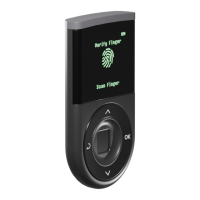
★ On your D’CENT hardware wallet, verify the transaction details shown; recipient address and
amount.
NOTE: Your D’CENT hardware wallet is the primary source of trust. Abort the transaction if details
do not match.
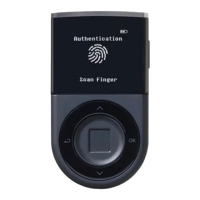
★ Final confirmation to send transaction requires your authentication to the D’CENT hardware
wallet.


 To Previous Page