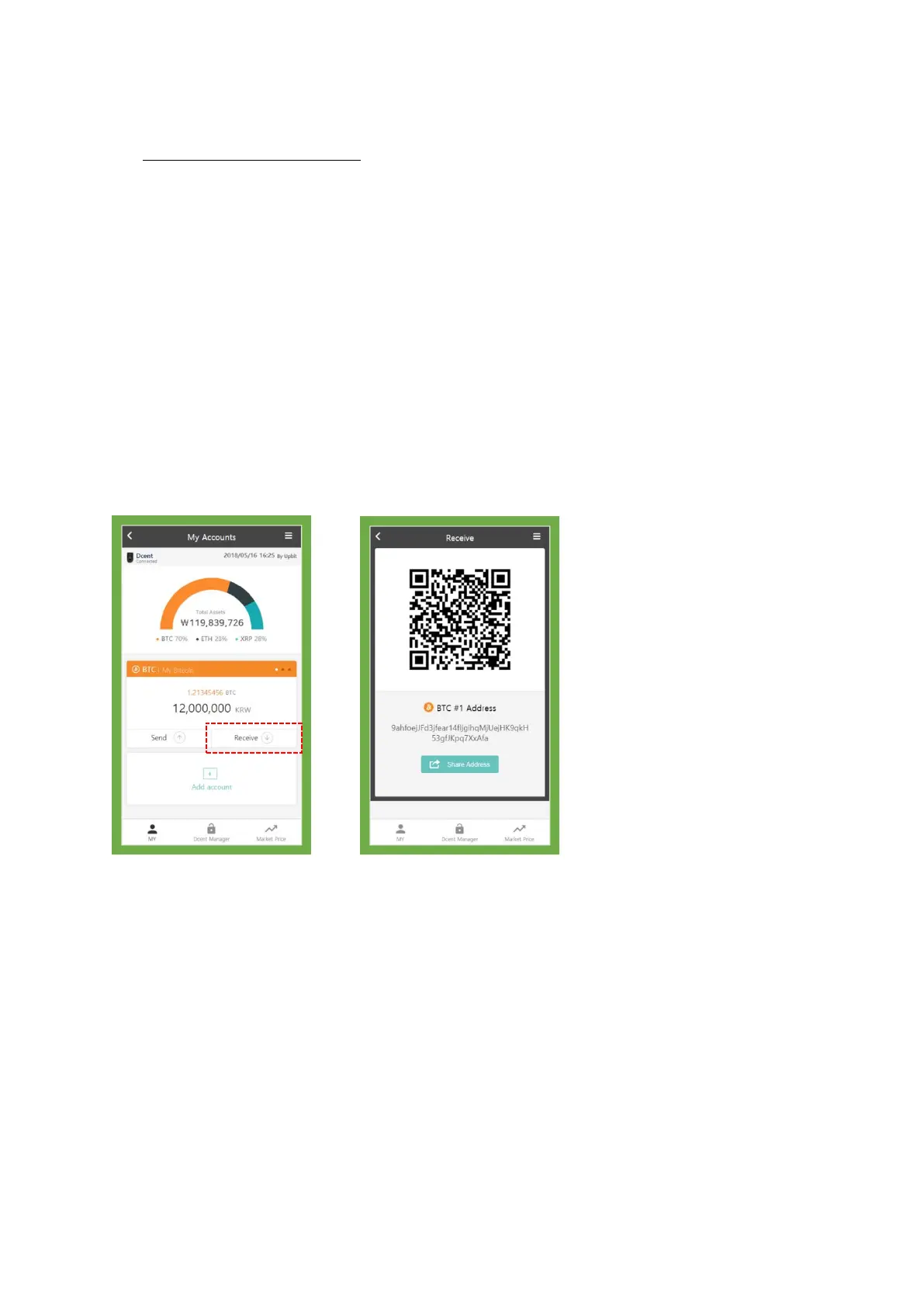
4. How to receive payment
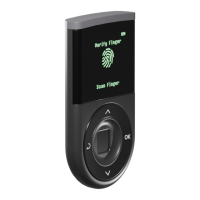
From your D’CENT hardware wallet:
You can give your account’s receiving address to anyone you require payment from. Your receiving
address is shown in string text or just show the QR code if scan by camera is preferred.
Time required for your transaction to go through completely, may vary. When you receive a payment
from an untrusted party you should wait for the transaction to get confirmed.
From your D’CENT wallet application:
Must have connected D’CENT hardware wallet with your wallet application at least once.
★ Open your wallet application select an account and click “Receive”.


 To Next Page