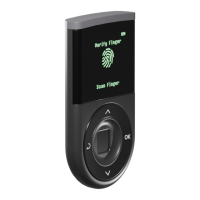
Step 3: Select “Create Wallet”.
NOTE: “Create wallet” will generate new private keys for your wallet.
NOTE: “Recover Wallet” is for recovering your private key using the Recovery Seeds.
Step 4: Register a 4-digit PIN
Your PIN is for protecting access to your D’CENT hardware wallet.
★ Press UP or DOWN button to change number value and press OK to choose.
★ Press BACK button to go back to previous selection.
Step 5: Re-enter your PIN and select “OK”.
★ Enter the same 4-digit PIN again to complete the PIN registration.
If you entered a wrong PIN, you have to start the process from step 4 again.


 To Next Page