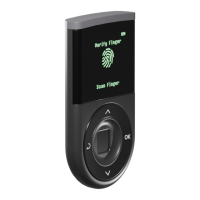
Step 6: Register your Fingerprint.
Registering your fingerprint is for additional protection to access your D’CENT hardware wallet.
Using fingerprint is more secure than PIN method, and a convenient way to authenticate to your
device for access.
NOTE: Primary method of authentication will be set to fingerprint when you register your fingerprint
and PIN entry method will become your secondary authentication method.
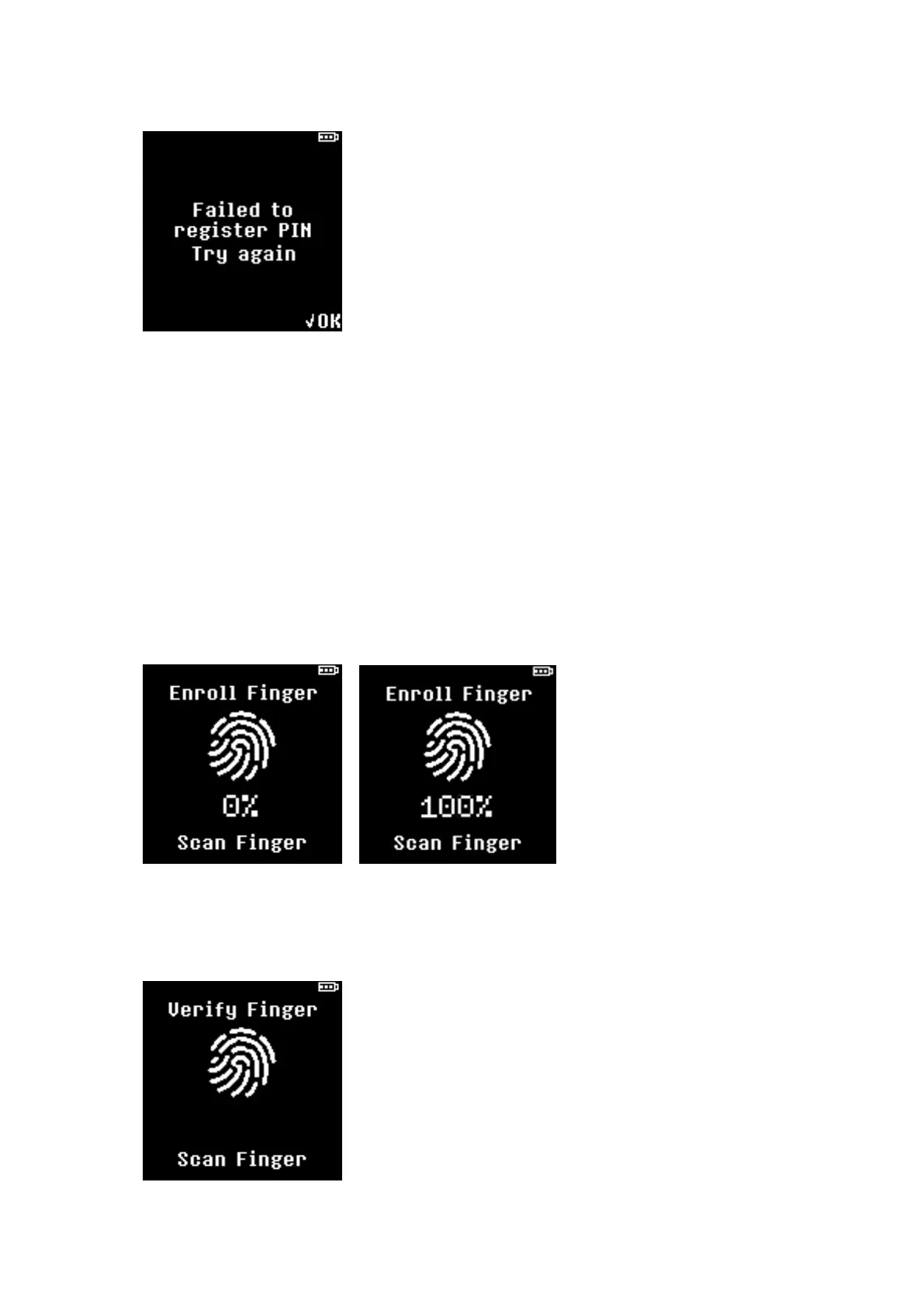
★ Place your finger on the fingerprint scanner for a read and lift off your finger.
★ Use the same finger and repeat the scanning action until 100% is shown on the display.
★ To complete the fingerprint registration, user is prompted to confirm fingerprint for one last
time. Scan your finger to verify.


 To Next Page