What if I can’t register my fingerprint?
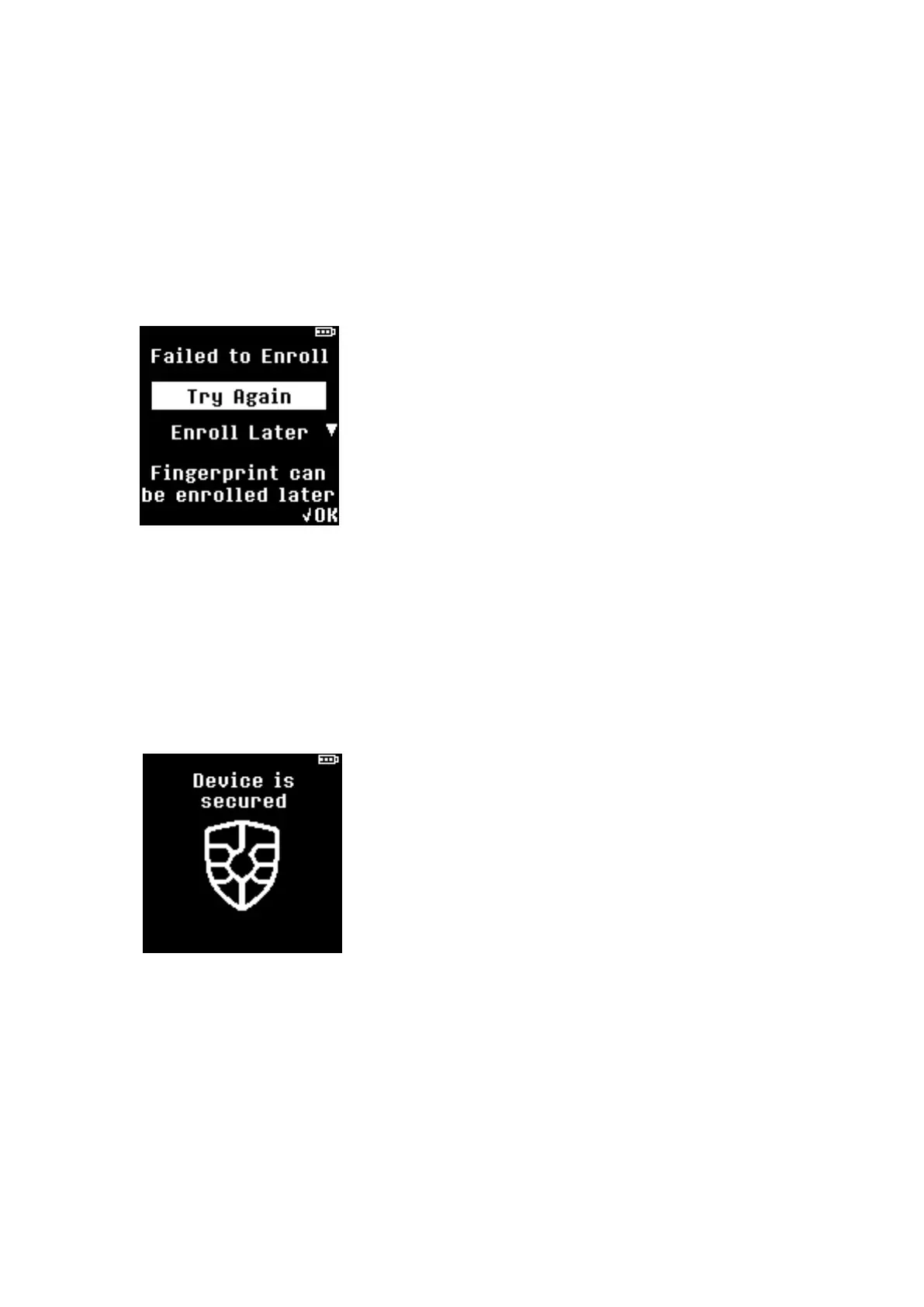
If you fail to register your fingerprint or if fingerprint verification fails to match 5-times, following
message is displayed with 2 options to choose from:
a. Try Again: Start fingerprint registration from the beginning.
b. Enroll Later: This option will skip the fingerprint registration and proceed to Step 7.
NOTE: After completing the initialization process, fingerprint can be registered from the Setting
menu.
Step 7: Completing PIN and Fingerprint registration
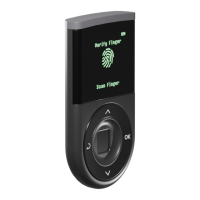
When you have successfully registered PIN and/or fingerprint, a message will be displayed to notify
your device is secured.
NOTE: If fingerprint is not registered, authentication method will be set to PIN entry mode to access
your hardware wallet.
Step 8: Recovery Seeds
Recovery Seeds (Words) are mnemonic representation of your private keys and they are absolutely
required for recovering your wallet if your D’CENT is ever lost, stolen, or wiped.


 To Next Page