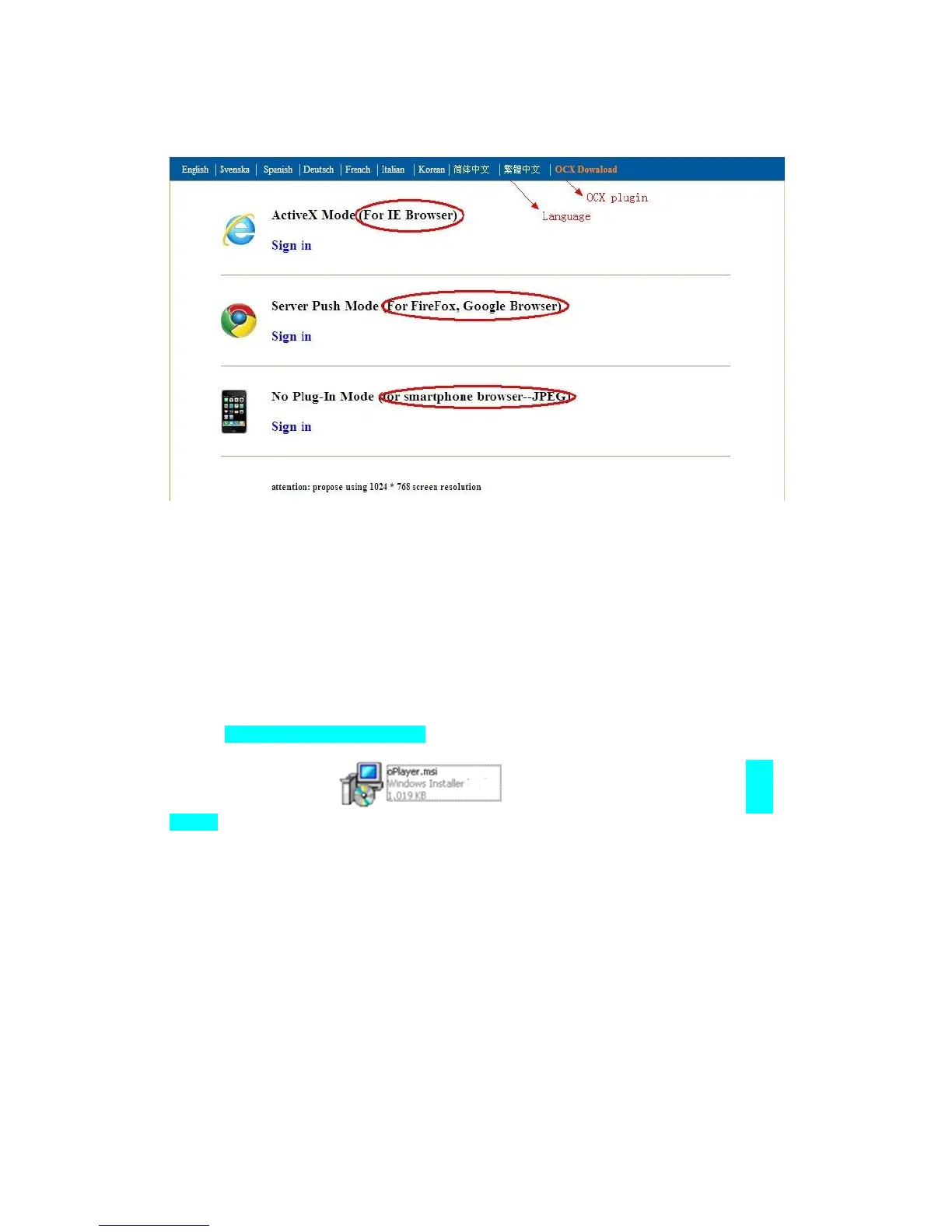
Figure 3.2
(1) ActiveX Mode (For IE Browser): available in IE6.0 or above explorer
(2) “RTSP Stream Mode”: available in Firefox, Safari, and Google browser.
(3) “No Plug-In Mode”: available in smart phone browser.
(4) SD card video playback online
3.2. View via IE Browser.
Choose Active Mode (For IE Browser), and sign in.
The first time login the camera, maybe get ActiveX prompt as the picture below, please
download the Ocx(or run in CD) and install first then choose Run
Add-on, refresh and login the camera again, then will see live video, details as below:



 To Next Page