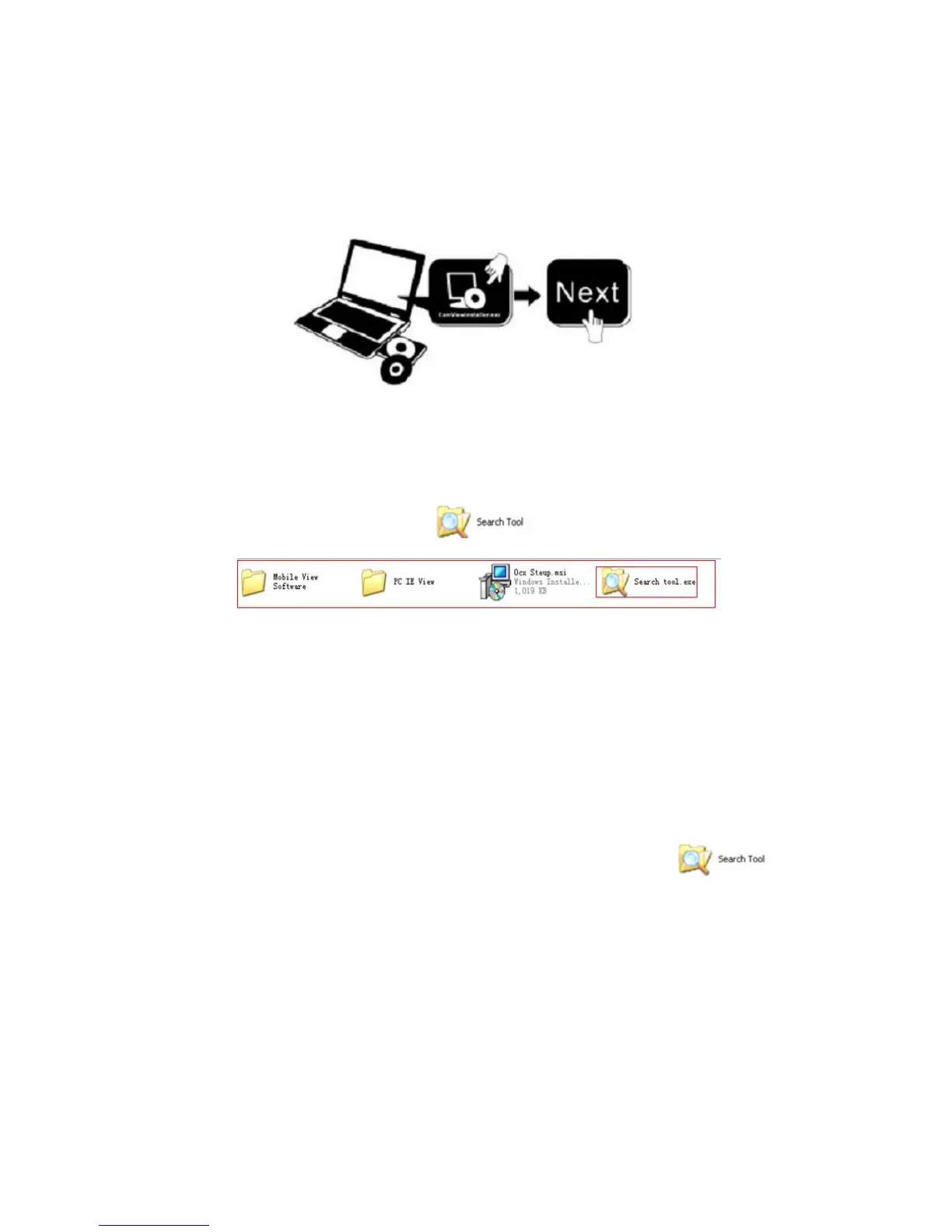
1.6 Software Installation
Figure 1.4
Open the CD Install the follow software:
1. ActiveX: Click “OCX setup”—“Next”—“Install”—“Finish”.
2. Search Tool: Open the CD, click ,The Search Tool will run
automatically.( No need to install. You can copy this software to your desktop.)
Figure 1.5
2. Software operation
2.1 Search Tool Software
2.1.1 Search the IP address of the camera.
When the device has been mounted properly, you can double click the Icon “ ”
run this IP address search tool.


 To Next Page