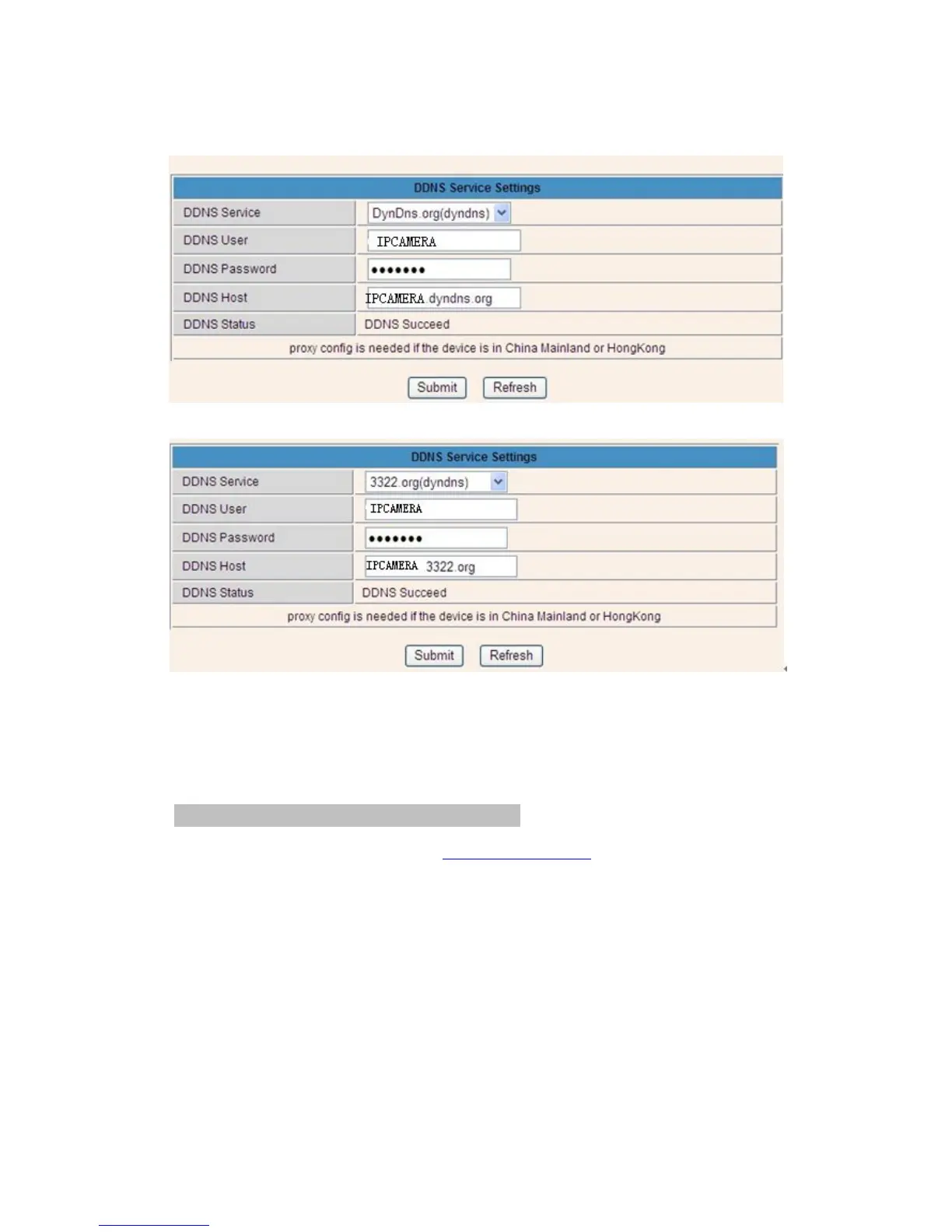
Figure 3.15
Figure 3.16
You have to register an account firstly, keep the user, password, host, then fill in it.
Note: Only one DDNS can be chosen, for example, if you use manufacturer’s DDNS, the
3rd party one won’t work, if use the 3
rd
party DDNS, the manufacturer’s one won’t work.
3.5.4.2 Port forwarding settings:
1: Setting the IP address of the camera
The default IP address of the camera is : Http://192.168.1.99:99 The default IP address of
camera you can change to any other one you like, such as:
Change to: 192.168.1.109:109. or 192.168.1.99:90 etc.
Click “Apply”>fill in the user name and password of the camera>click “OK” then the camera
will reboot, wait about 30 seconds. You will get your changed IP address.


 To Next Page