34
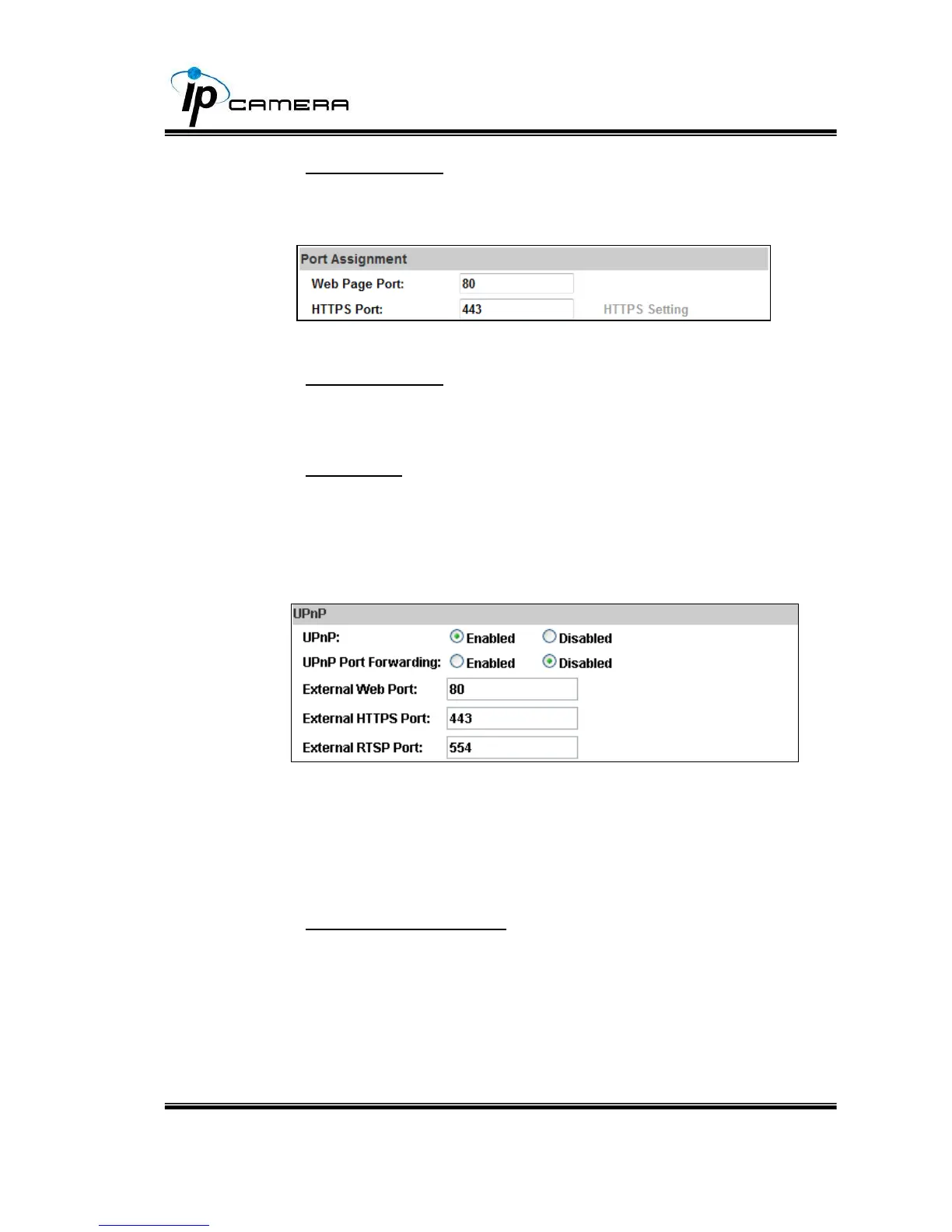
a. Port Assignment: The user may need to assign different port to
avoid conflicts when setting up the IP.
b. Web Page Port: setup web page connecting port and video
transmitting port (Default: 80)
c. HTTPs Port: setup the https port(Default: 443)
UPnP
This IP camera supports UPnP, if this service is enabled on your
computer, the camera will automatically be detected and a new icon
will be added to “My Network Places.”
UPnP Port Forwarding : Enable UPnP Port Forwarding for
accessing the IP Camera from the Internet; this option allows the IP
Cam to open ports on the router automatically so that video streams
can be sent out from a LAN. There are three external ports for being
set: Web Port, Http Port and RTSP port. To utilize of this feature,
make sure that your router supports UPnP and is activated.



 To Next Page