Record
Record a video of the current video feed. Once you press Record, it will turn
into the Stopbutton, which you can press to stop the video recording. The
video file will be saved to your hard drive and can be managed in Review mode.
Freeze
Pause the live image. Press again to unpause and return to live action.
Display Mode
Press to make visual overlays disappear so you have an uncluttered image
suitable for presentation. Press once to display the menu elements only.
Press again to make the menu elements and a grid appear. Press a third time
to display only a grid and not the menus.
Press a fourth time to make both the grid and menu elements disappear. The
cycle will then start over again with a fifth press.
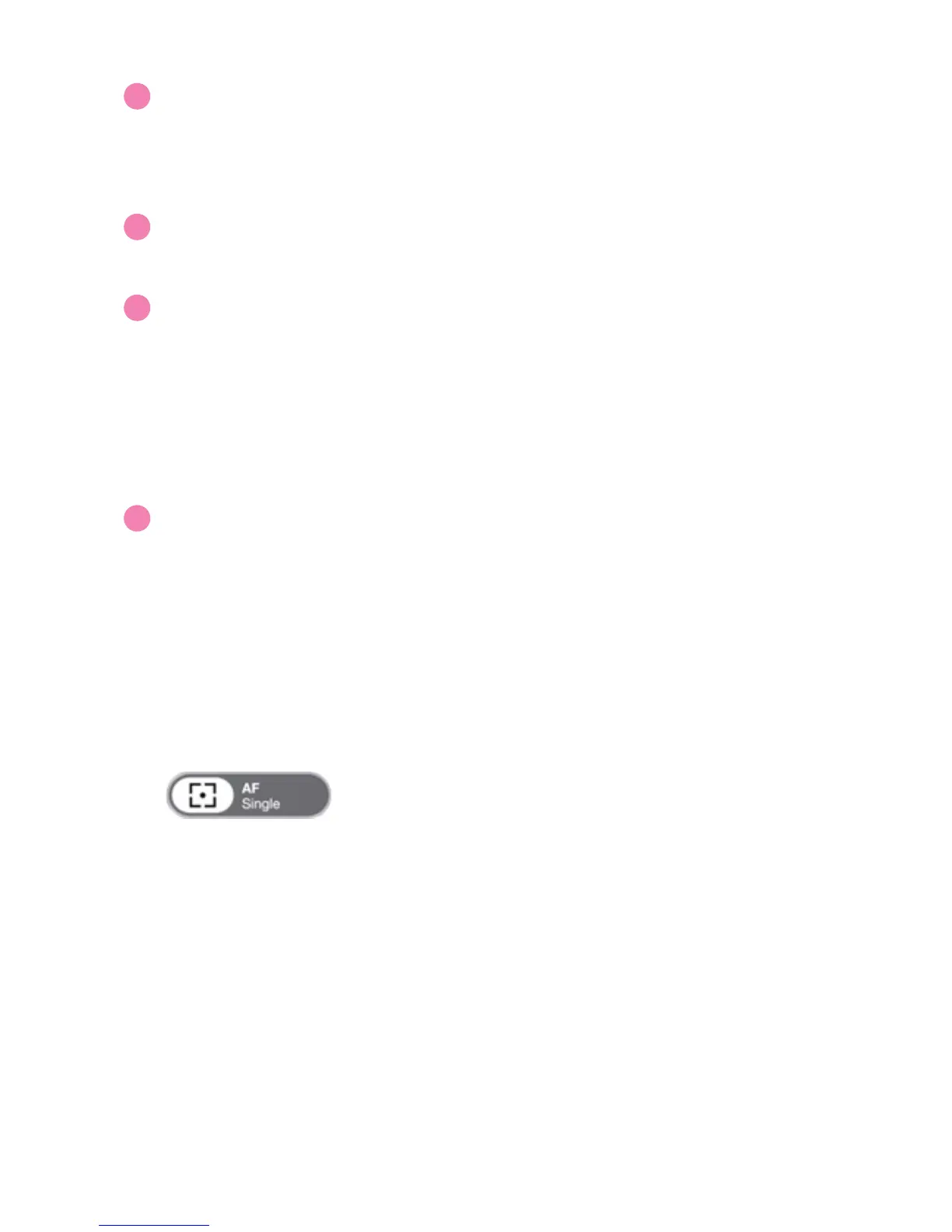
Focus and Focus Indicator
Indicates whether your doc cam is in Single focus mode (AF-S) or Continuous
focus mode (AF-C). Pressing the crosshairs will cause your doc cam to find a
new focus.
When focusing, four corners of a red box will appear in the center of the
screen and a beep will sound, letting you know your camera is attempting to
focus. The image may appear to slightly zoom in and out. When the doc cam
is done focusing, the red corners will change to green corners, and there will
be a brief sound effect.
M
N
O
P


 To Next Page