| Messages and troubleshooting
136
YLS-K
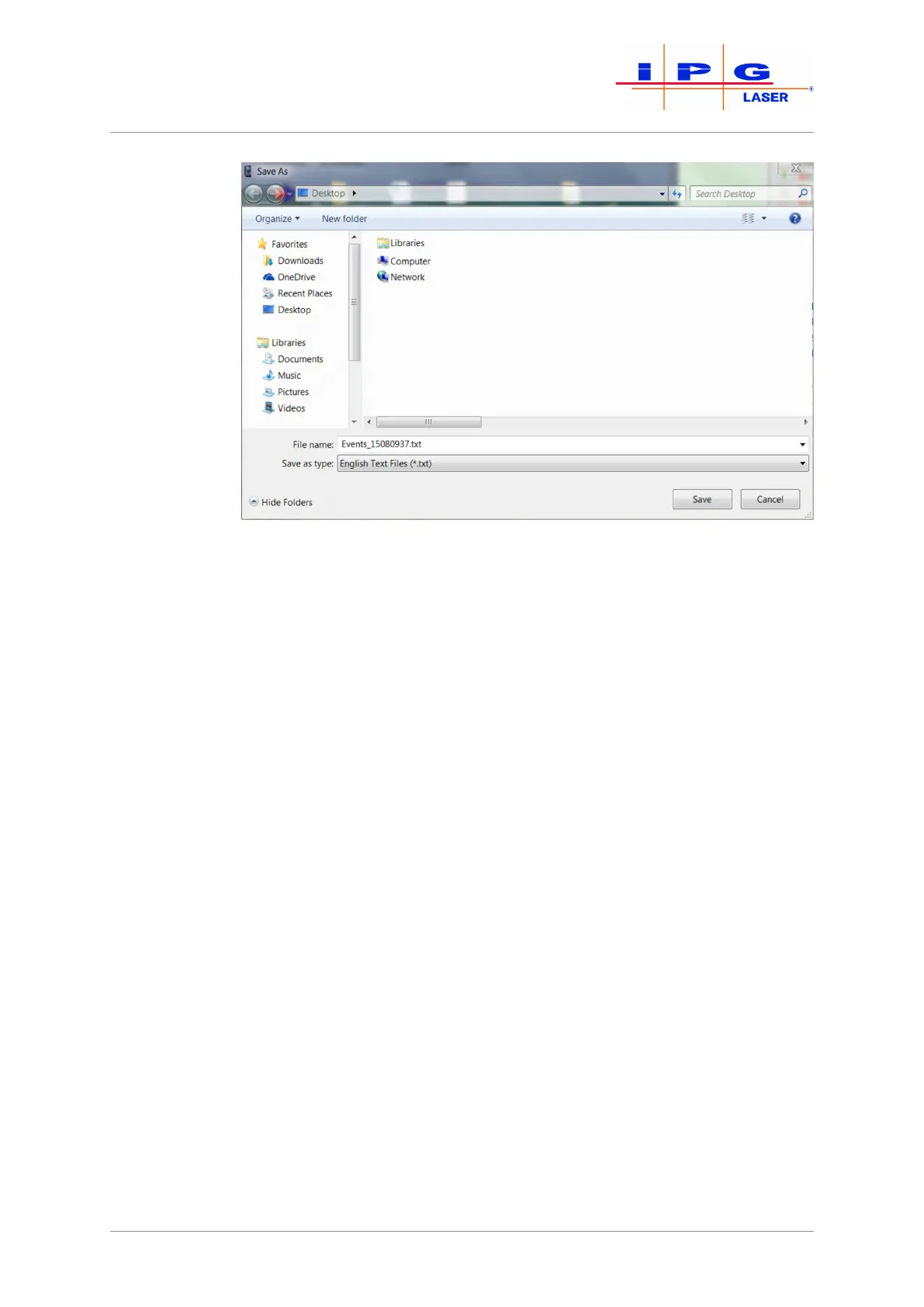
Figure84: Selecting the save location
5. Send the downloaded file by email to the competent IPG service
department (see Behavior in the event of malfunctions [}129]).
10.4.4 Downloading the configuration overview via
LaserNet
The configuration overview contains information about the laser, its
configuration, the configured parameters and the firmware statuses of
built-in components.
Follow to the following steps to download the configuration overview
file:
1. Start the LaserNet software.
2. Make certain that there is a network connection to the laser.
3. Under \Configuration\Laser\ select the submenu Con-
figuration Overview.
A new window appears with the configuration overview.



 To Next Page