27/44
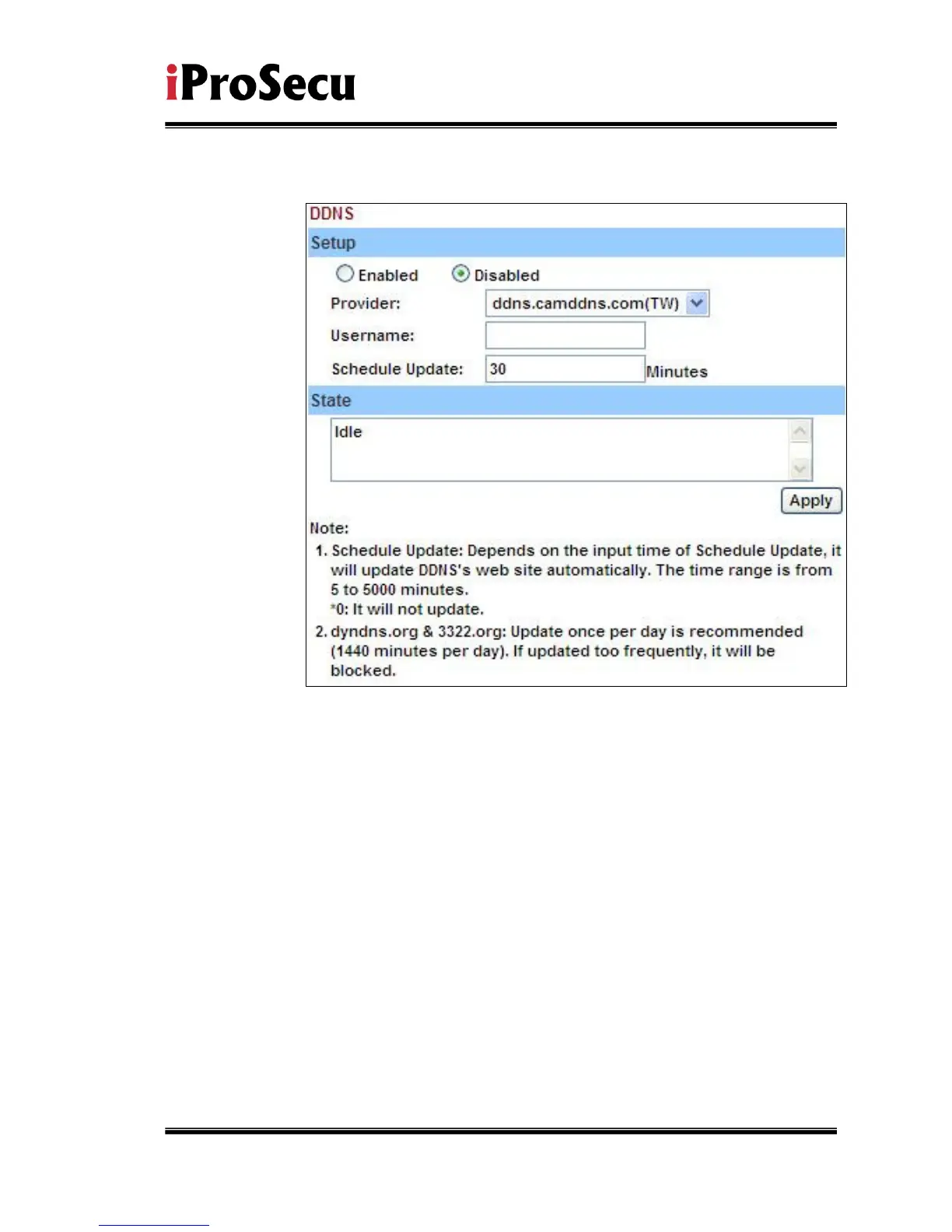
b. Camddns service:
1. Please enable this service
2. Key-in user name.
3. IP Schedule update is default at 5 minutes
4. Click “Apply”.
c. DDNS Status
1. Updating:Information update
2. Idle:Stop service
3. DDNS registration successful, can now log by
http://<username>.ddns.camddns.com:Register successfully.
4. Update Failed, the name is already registered:The user name
has already been used. Please change it.
5. Update Failed, please check your internet connection:Network
connection failed.
6. Update Failed, please check the account information you
provide:The server, user name, and password may be wrong.



 To Next Page