43/44
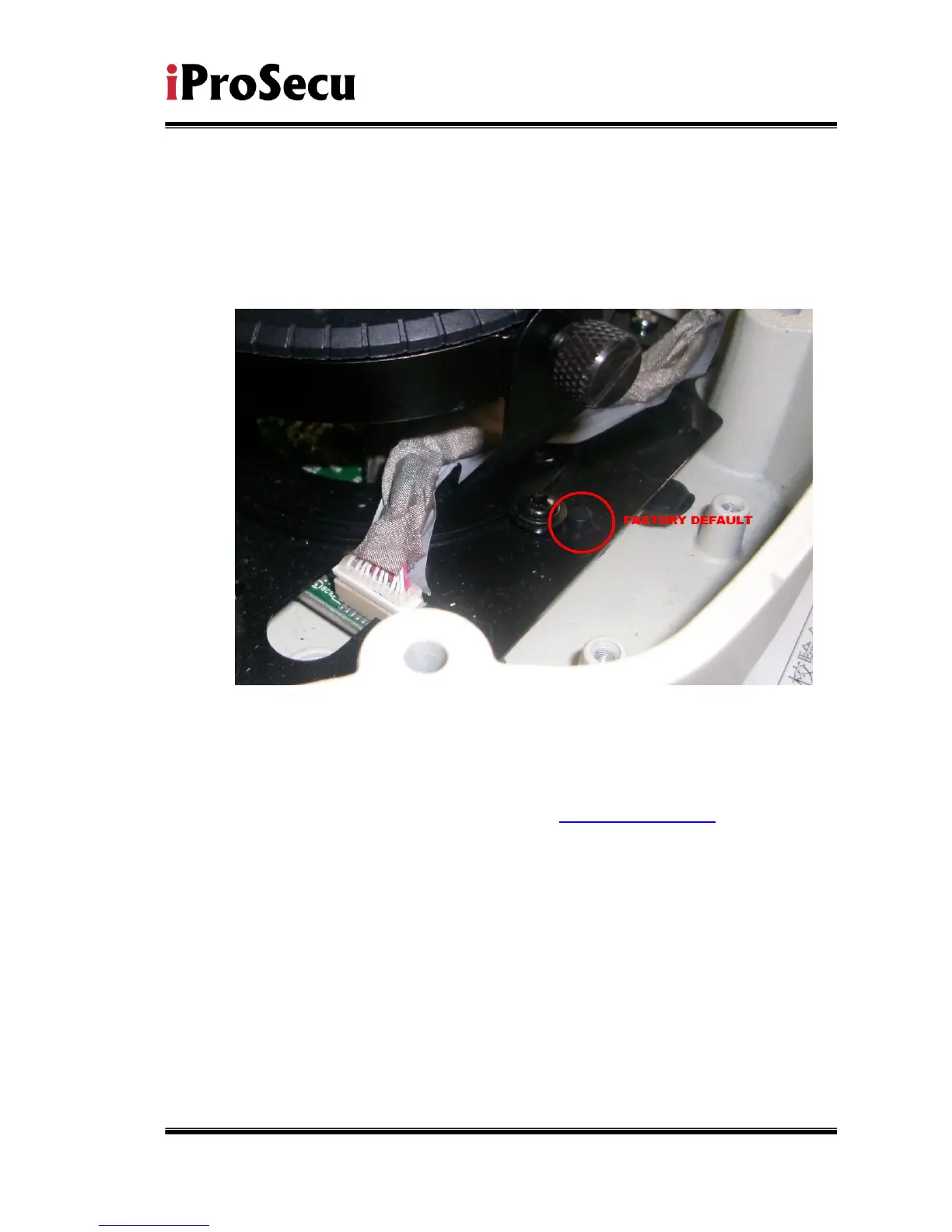
VII. Factory Default
i、 To recover the default IP address and password, please follow the following
steps.
ii、 Remove power, and press and hold the button of IP CAMERA.
iii、 Power on the camera. Don’t release the button during the system booting.
iv、 It will take around 30 seconds to boot the camera.
v、 Release the button when camera finishes proceed.
vi、 Re-login the camera using the default IP (http://192.168.1.200), and user
name (admin), password (admin).



 To Next Page