28/44
C. A/V Setting
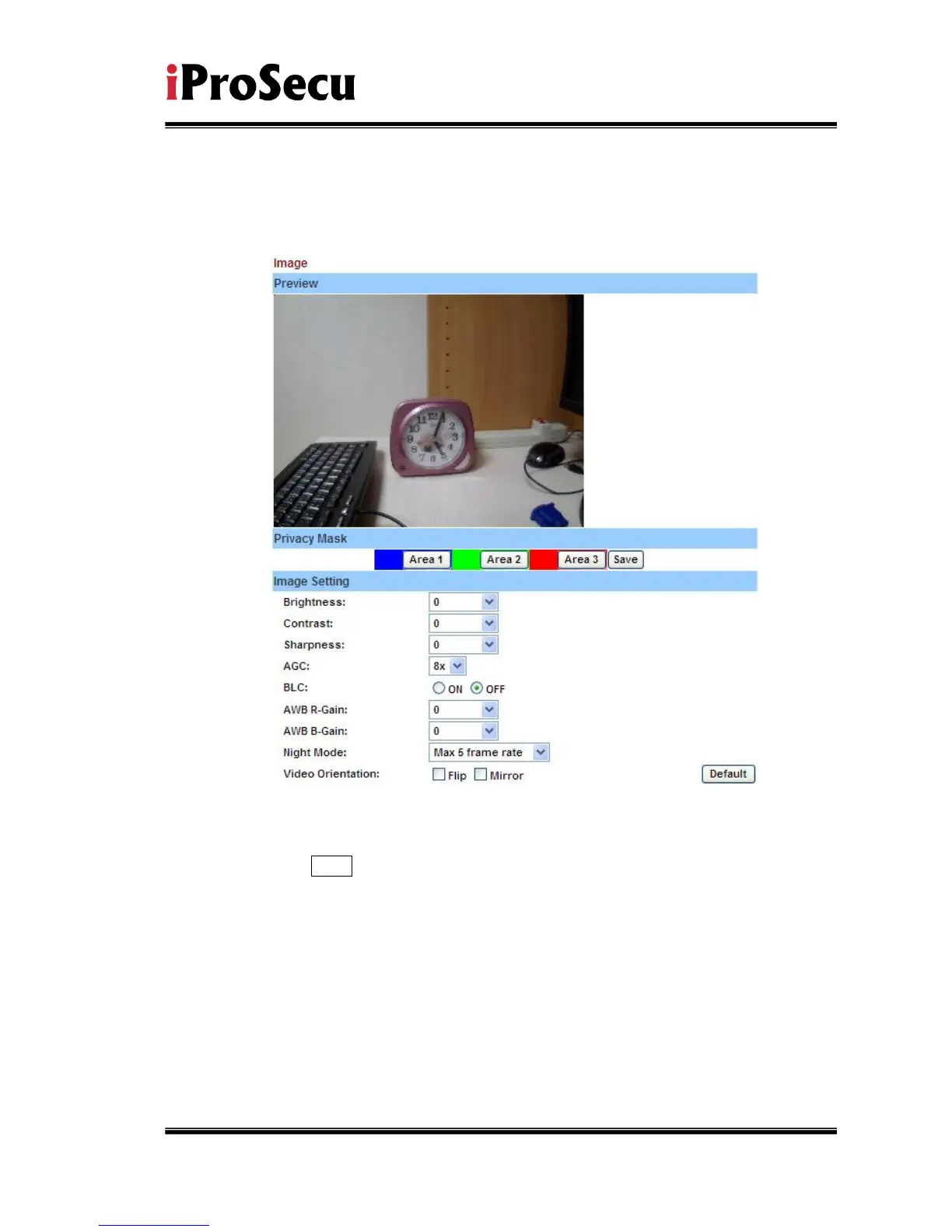
i、 Image Setting
For the security purpose, there are three areas can be setup for privacy
mask. Click Area button first and pull a area on the above image. Finally,
click Save button to reserve the setting.
Adjust “Brightness”, “Contrast”, “Sharpness”, to get clear video.
Moreover, IP CAMERA supports “Back Light Compensation”, “Night
Mode” and “Video Orientation”.



 To Next Page