29/44
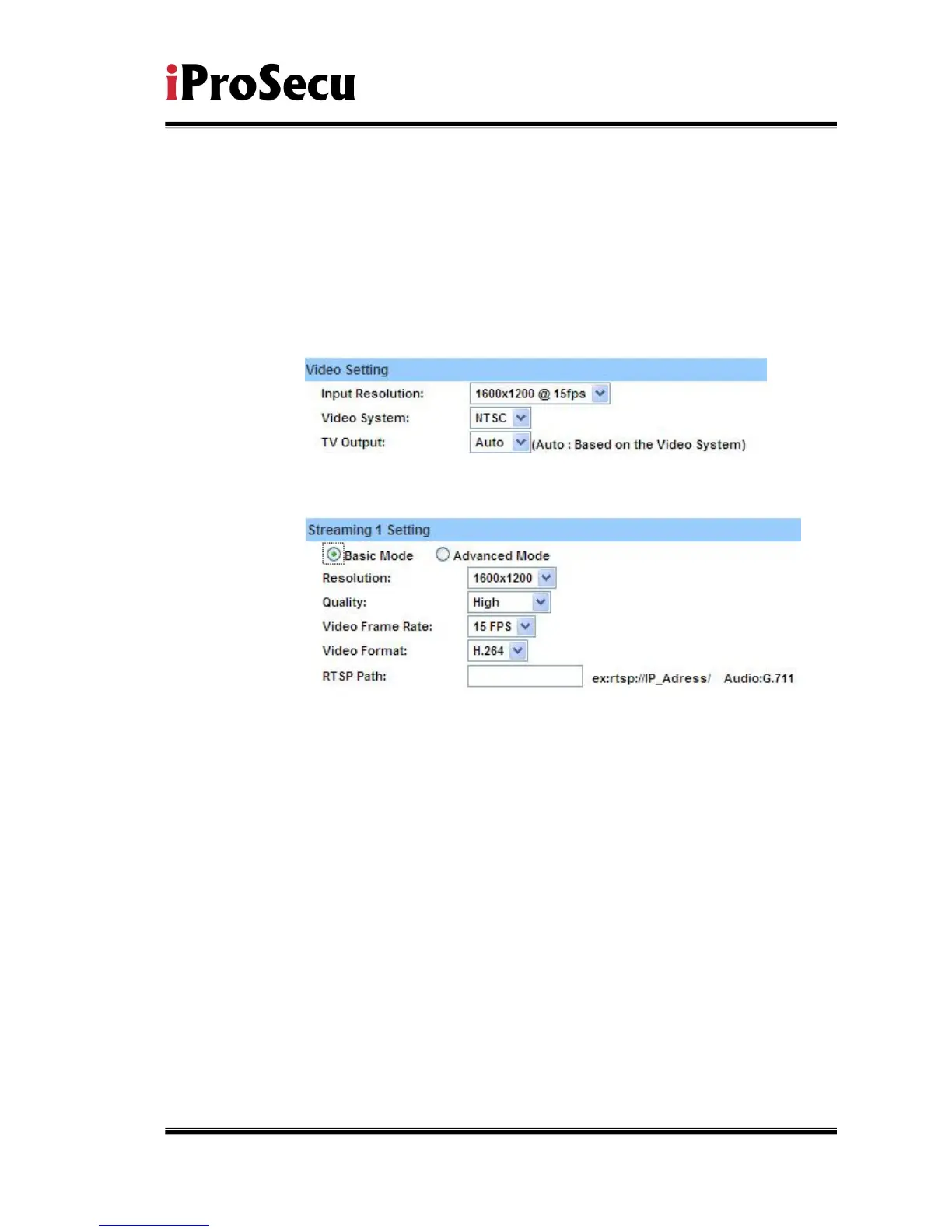
ii、 Video Setting
User may select 2 streaming output simultaneously:
Streaming 1 Setting: Basic mode and Advanced mode
Streaming 2 Setting: Basic mode, Advanced mode, and 3GPP mode
(Max Video Frame Rate for both streaming combined is 30 FPS)
a. Video System: click the drop down list to select the Input Resolution,
Video System and TV Output.
b. Streaming 1 Basic Mode:
1. Resolution:
There are 8 resolutions can be chosen.
1600x 1200, 1280x1024, 1280x960, 1280x720, 800x600,
640x480, 320x240, 176x144
2. Quality:
There are 5 levels to adjust:
Best/ High/ Standard/ Medium/ Low
The higher the quality is, the bigger the file size is. Also not
good for internet transmitting
3. Video Frame Rate:The video refreshing rate per second.
4. Video Format:H.264 or JPEG
5. RTSP Path: RTSP output name



 To Next Page