Quick Tips
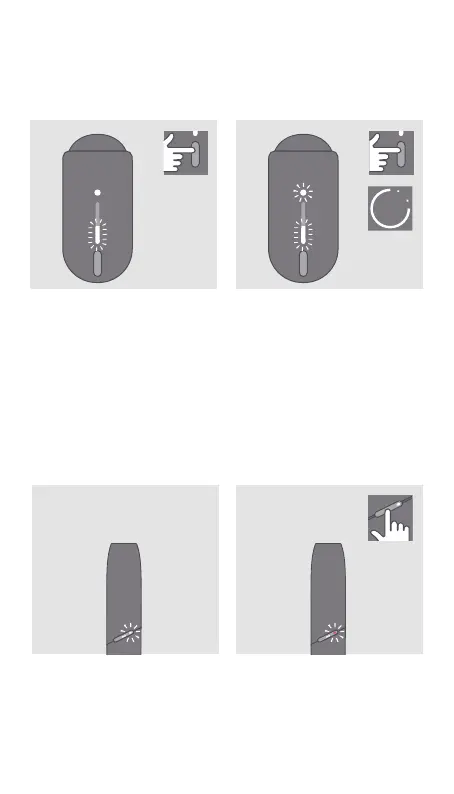
TO CHECK BATTERY STATUS
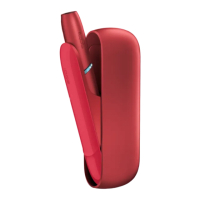
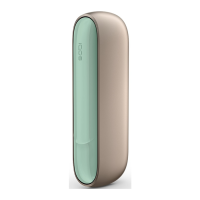
Tap IQOS Pocket Charger
Button to check battery
level.
TO RESET
Press and hold IQOS Pocket
Charger Button for 10 seconds
then release; Battery Status
light will fade in, blink twice,
then progressively fade in
to confirm a reset.
LIGHT BLINKS WHITE TWICE
IQOS is outside operating
temperature (<0°C/>50°C).
Wait until device is within
temperature limits.
LIGHT BLINKS RED
Reset IQOS.
If blinking persists,
please contact
Customer Care.
10
″


 To Next Page