InfiRay Outdoor • Geni GL35R Series • Quick Start Guide www.infirayouordoor.com
All rights reserved and shall not be copied and distributed in any form without written permission
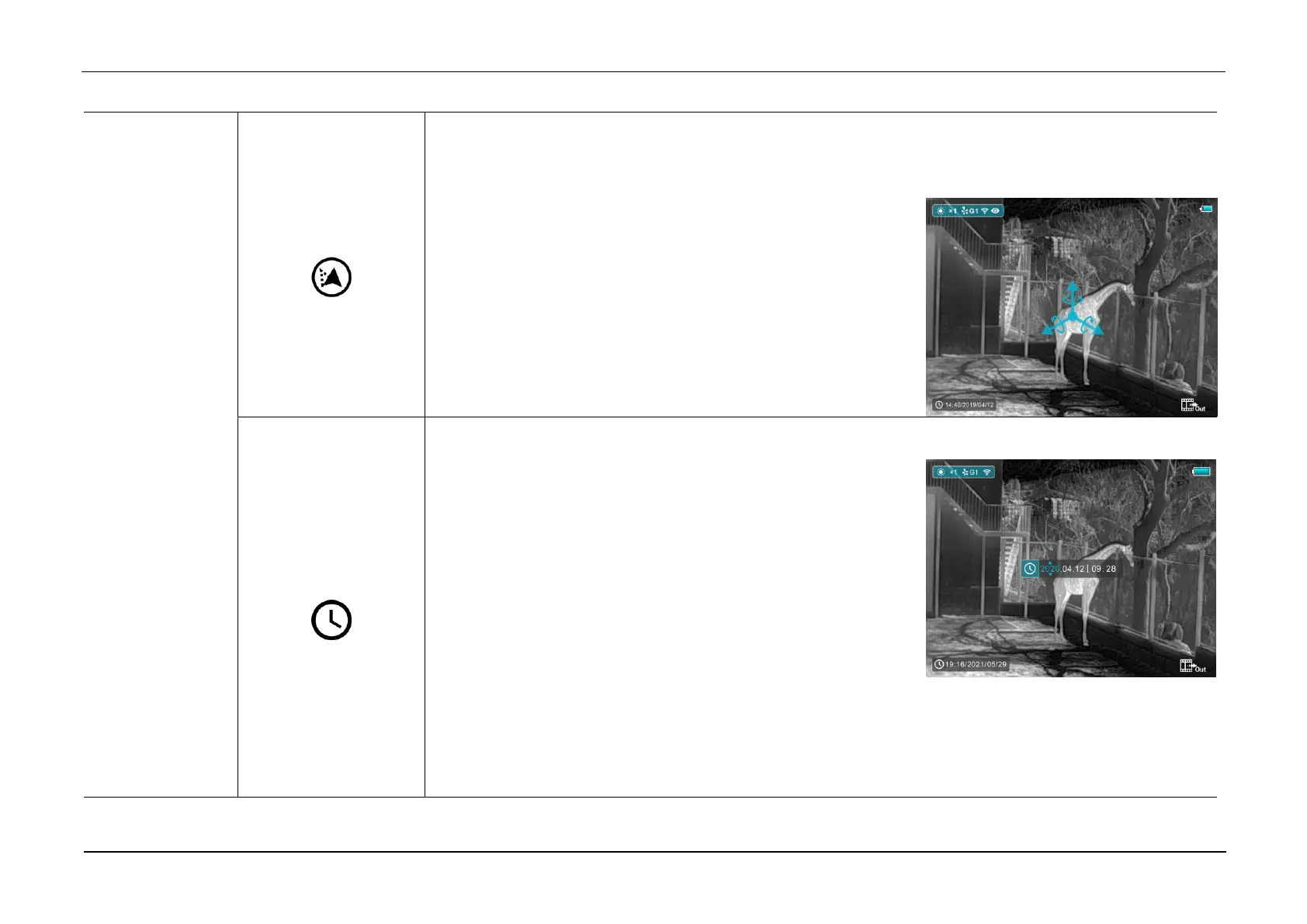
Calibrate the digital compass
➢ Select the Compass Calibration option with the Z (5) / C (3) button in the More submenu.
➢ Briefly press the M (4) button to enter the Compass Calibration
interface.
➢ An icon like a triaxial coordinate system appears on the screen.
➢ Follow the icon prompt to rotate the scope along three axes at
least 360 degrees each axis in the 30 seconds.
➢ After 30s, the calibration is finished and exit to the home screen.
Reset the system date and time
➢ Select the Time Setting option with the Z (5) / C (3) button in the
More submenu
➢ Briefly press the M (4) button to enter the time Setting interface.
➢ The order from left to right is year, month, day, hour and minute.
And the time format is in 24-hours format.
➢ Switch among year, month, day, hour and minute with a short
press of the M (4) button. The selected item will turn blue and two triangle icons will appear above and
below the value.
➢ Select the correct value with a short press of the Z (5) / C (3) button.



 To Next Page