InfiRay Outdoor • Geni GL35R Series • Quick Start Guide www.infirayouordoor.com
All rights reserved and shall not be copied and distributed in any form without written permission
➢ Save settings and exit to the More submenu with a long press of the M (4) button.
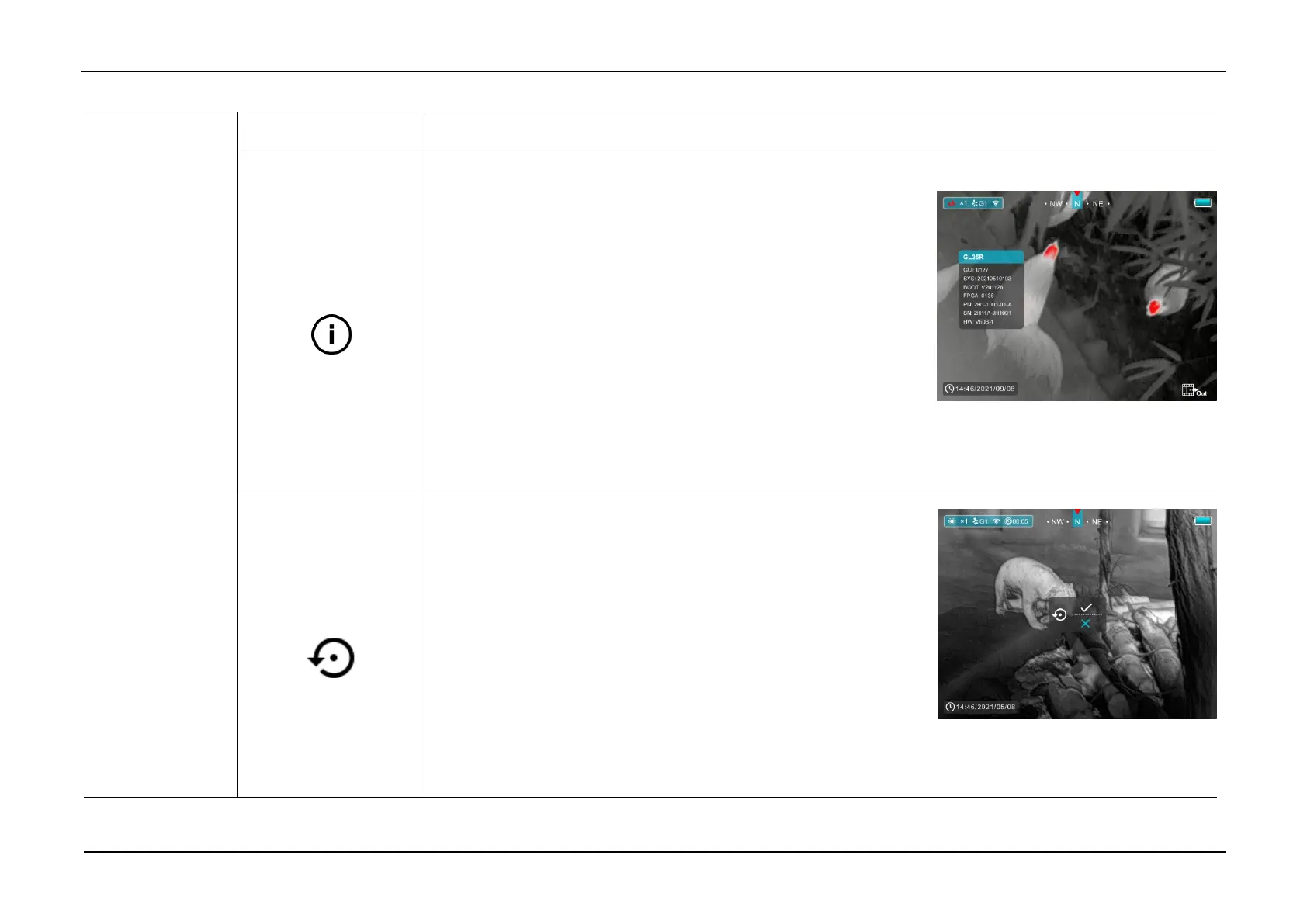
Show device information
➢ Select the System Information menu option with the Z (5) / C (3)
button in the More submenu.
➢ The relevant information of scope will be shown by a short press
of the M (4) button.
➢ This item allows the user to view the following information about
the scope: the product model, GUI version, SYS Info, Boot
version, FPGA, PN and SN number of the scope, Hardware version.
➢ Press and hold the M (4) button to return to the submenu.
Reset to the Factory Settings
➢ Select the Factory Reset option with the Z (5) / C (3) button in the
More submenu.
➢ A prompt box will appear on the screen with a briefly press of the
M (4) button.
➢ Short press the Z (5) / C (3) button to select the option. The “√” is
to reset to the default, and the “×” is to cancel and exit to the More submenu.
➢ Confirm the selection with a short press of the M (4) button.



 To Next Page