15510-EN Rev G Operation 21
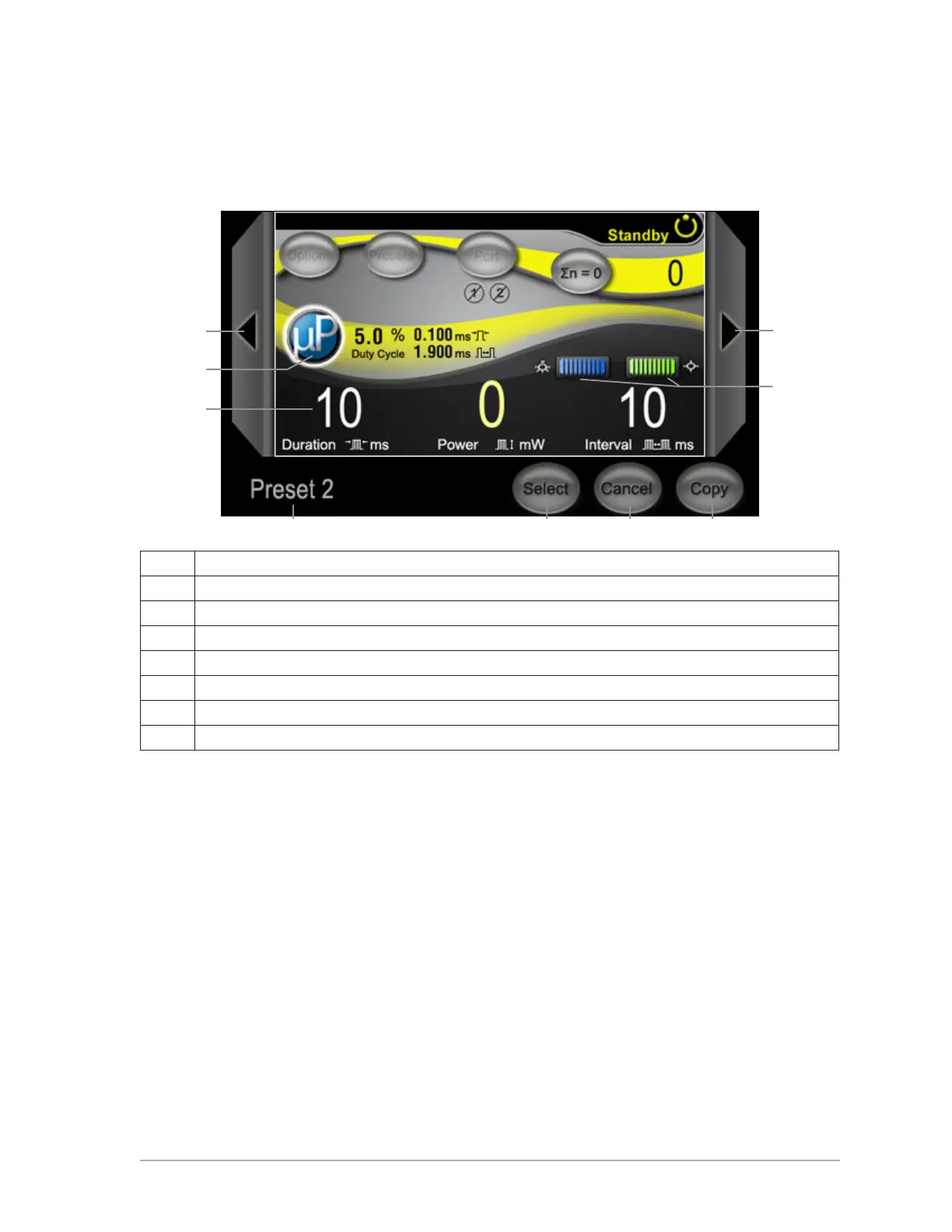
Presets Screen
To access the Presets screen, at the Preset Menu, touch ViEw.
A Go to Previous/Next Preset.
B (Optional) Adjust MicroPulse settings.
C Use control knobs to select pulse duration, power, and interval.
D Displays Preset name. Press to enter Keyboard mode.
E Save changes and return to Treat screen.
F Discard changes and return to Treat screen with default parameters.
G Import information from Treat screen into selected Preset.
H Aiming Beam and LIO adjustments.
A A
H
D E F G
C
B



 To Next Page