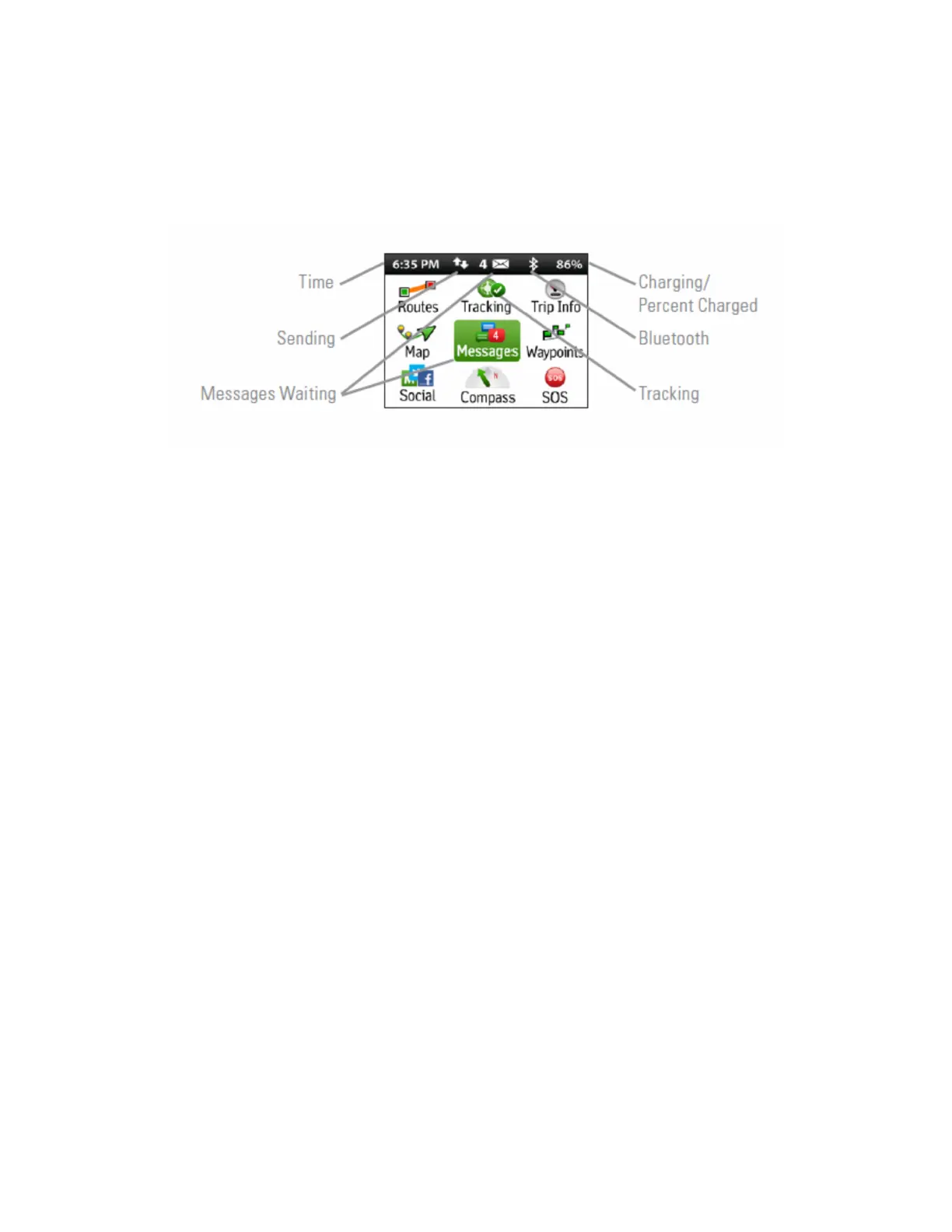
• A gray colored Bluetooth icon will appear when the Bluetooth function has been
enabled. If it is not bold, then the inReach Explorer is not paired with a mobile
device. If it is bold, then the inReach Explorer is paired with a mobile device.
• Lastly, the percentage number indicates the remaining battery capacity.
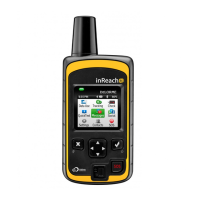
Figure 1. This status bar is showing from left to right: the current time, the inReach Explorer is communicating with the
satellite network (double arrow icon), there are four new messages that need to be read, Bluetooth is active and the
inReach Explorer is not paired with a mobile device, and the inReach Explorer has 86% battery life remaining.


 To Next Page