11
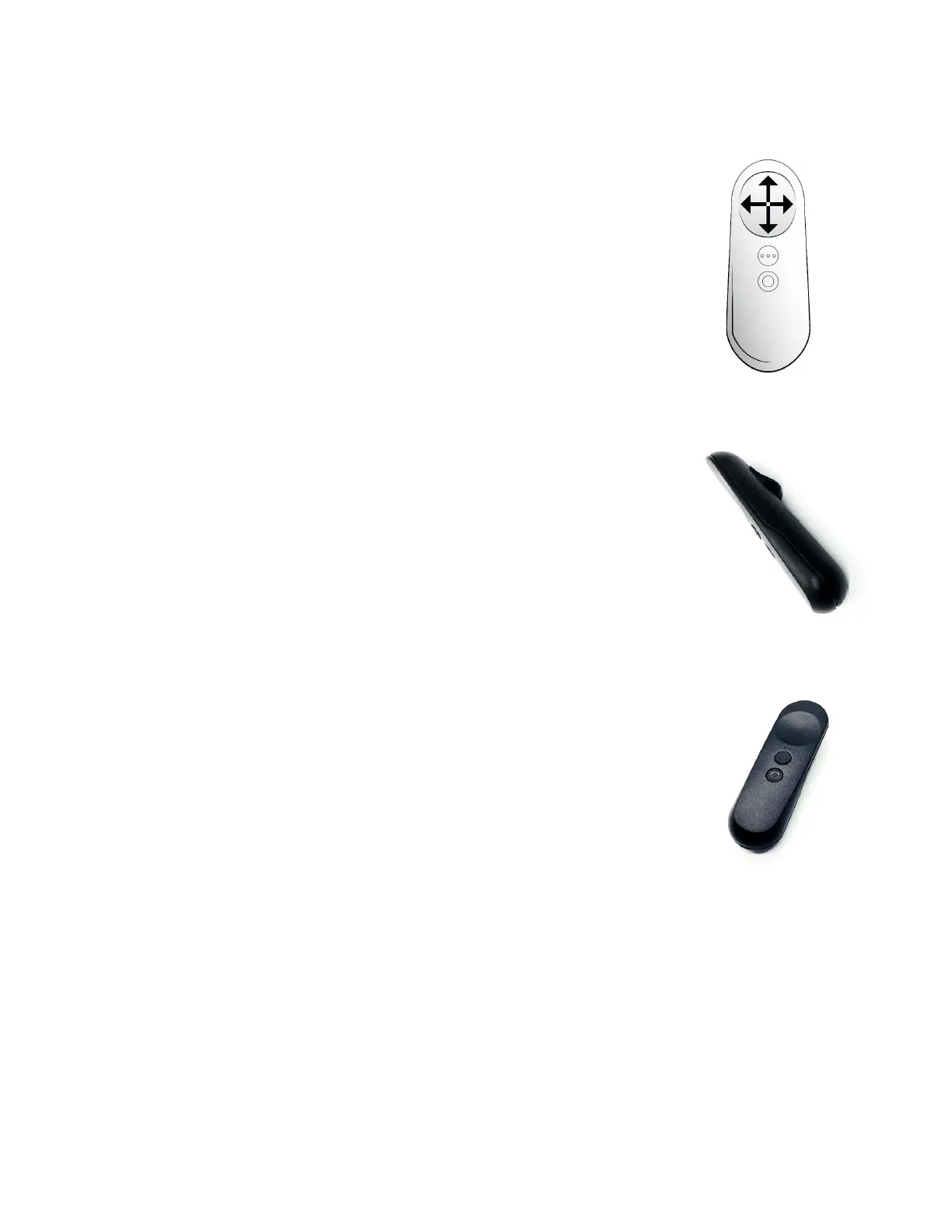
2.3.3.3 Remote Control Touchpad Configuration
● Swipe Up:
o Increase field of view (all views)
o Increase bubble size (Bubble view)
o Increase volume (YouTube video)
● Swipe Down:
o Decrease field of view (all views)
o Decrease bubble size (Bubble view)
o Decrease volume (YouTube video)
● Swipe Left:
o Zoom out (all live views)
o Decrease feature setting (adjustment bar)
o Rewind (YouTube video)
● Swipe Right:
o Zoom in (all live views)
o Increase feature setting (adjustment bar)
o Forward (YouTube video)
● Center press on the touchpad:
o Play/pause a YouTube video
● Top Button:
o Move forward to the next available view
o Close adjustment bars and menus
o Exit voice commands
● Bottom Button:
o Open a menu item
o Select a feature within a menu
● Trigger:
o Activates a voice command



 To Next Page