12
2.3.4 Adjustment Bar
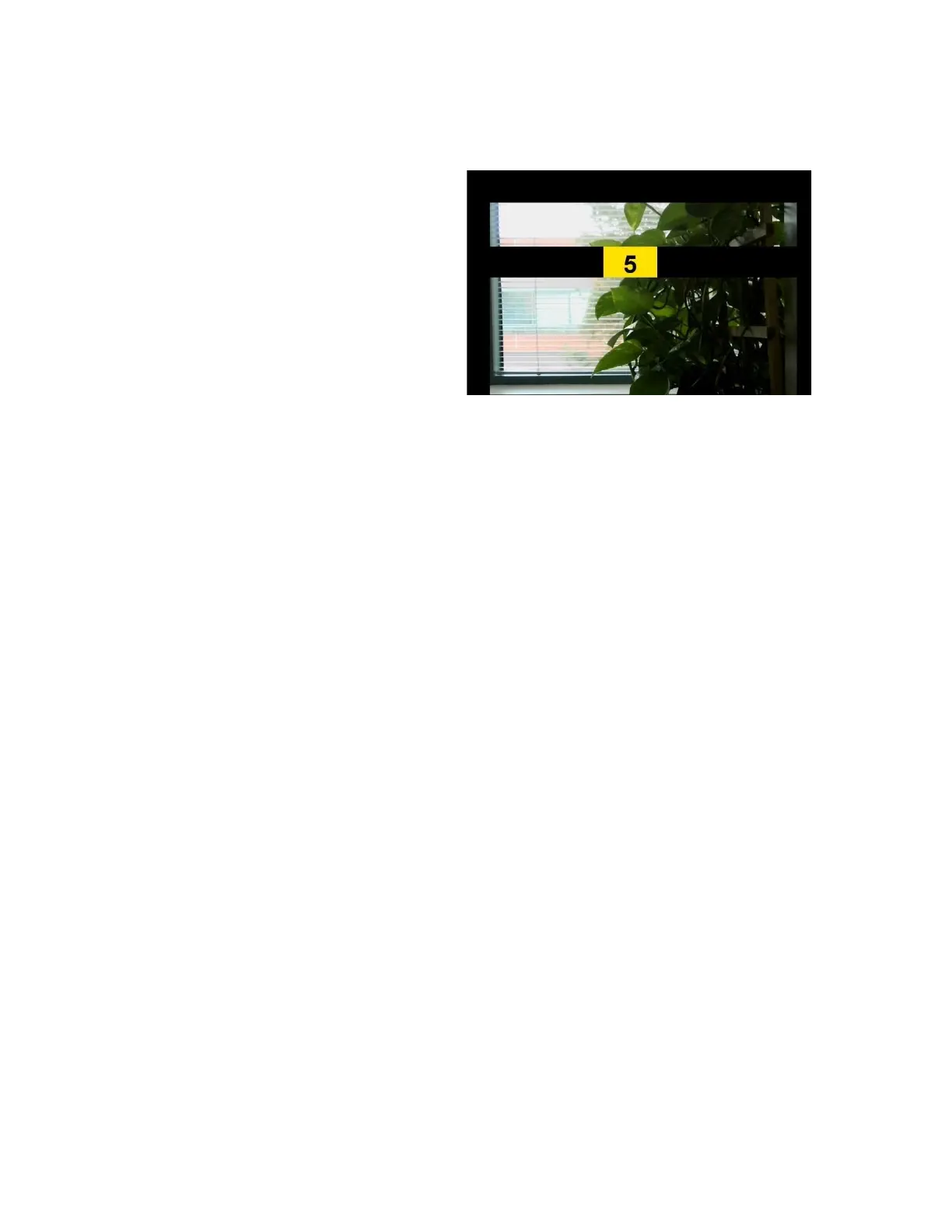
The following settings will bring up an adjustment bar once selected:
● audio speed
● brightness
● contrast
● exposure
● field of view (fov)
● IPD
● volume
● zoom
Once an adjustment bar is on the screen (see image above), then you
can use buttons 3 and 4 to move the setting to the left and right on the
adjustment bar. You can then use button 1 to close the adjustment bar
and apply the currently selected value.
Alternatively, if you remain inactive without pressing any buttons, the
adjustment bar will go away and apply the currently selected value.



 To Next Page