IPU 40060 Issue 9
Page 25 of 27
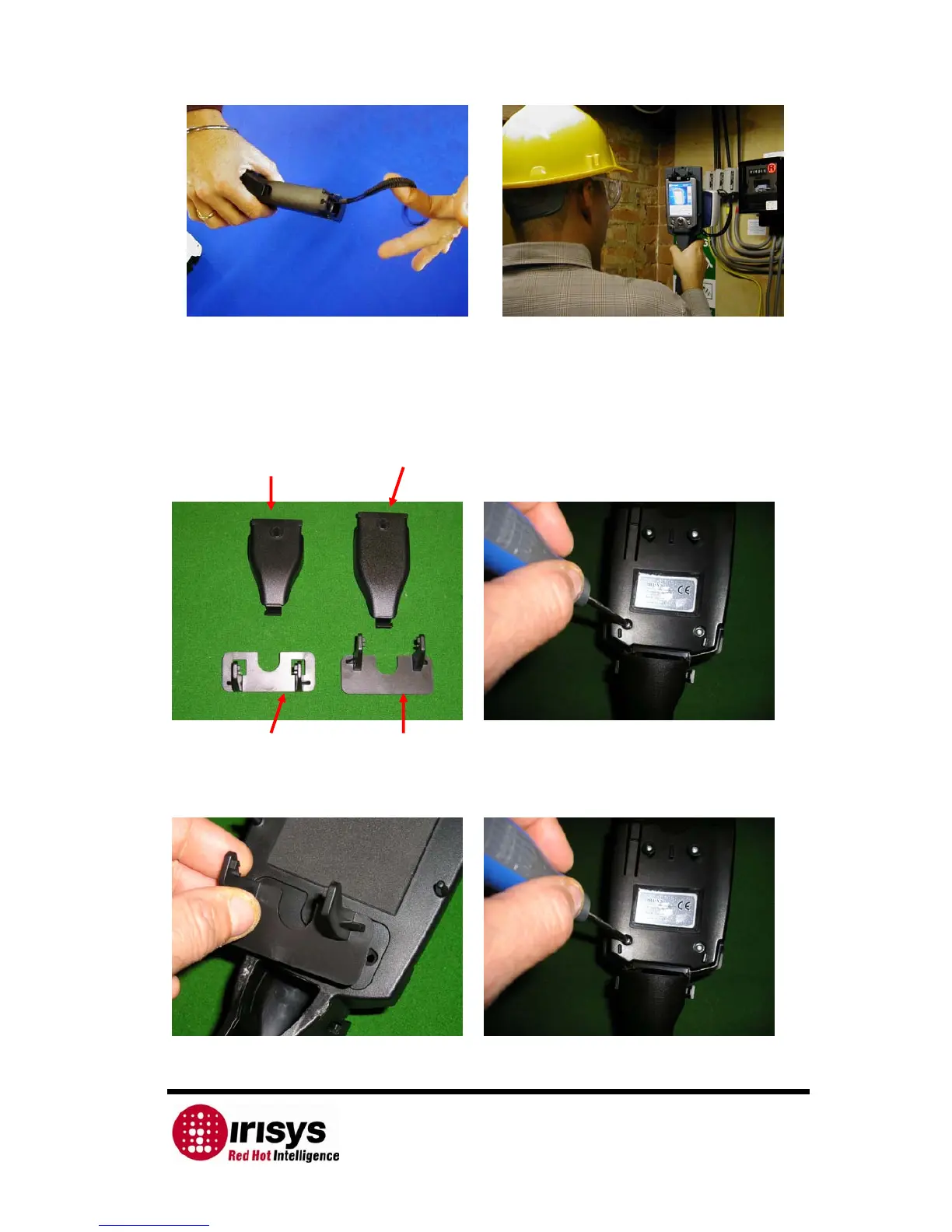
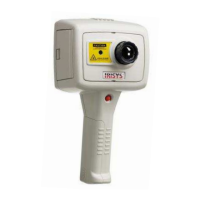
21) An optional lanyard may be added to the 22) This makes using the imager very simple
bottom of the handle, making it easier to carry. for many applications!
4.1.2 Preparing the Handle for use with a Palm PC.
Pocket PC Palm
Cable cover Cable cover
1) Pocket PC Palm 2) Remove the Pocket PC hooks by unscrewing
Hooks Hooks the two screws from the front of the handle
3) Turn the handle over and remove the Pocket 4) Fasten the Palm hooks by screwing back
PC hooks and replace with the Palm Hooks. the two screws at the front of the handle.
.


 To Next Page