EasyManua.ls Logo

IRiver T5 - Page 14

IRiver T5
40 pages
Print Icon
To Next Page IconTo Next Page
To Previous Page IconTo Previous Page
Loading...
Connecting
Products
Copying
files
/
folders
to
the
product
Deleting
files
/
folders
from
the
product
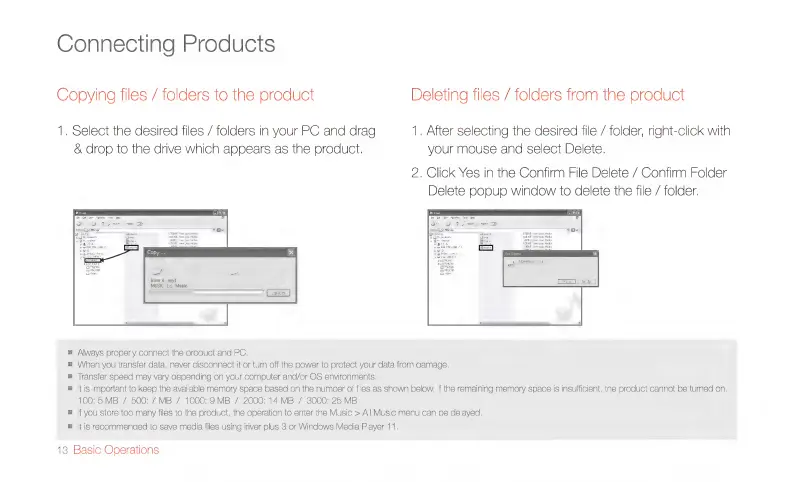
1.
Select
the
desired
files
/
folders
in
your
PC
and
drag
1.
After
selecting
the
desired
file
/
folder,
right-click
with
&
drop
to
the
drive
which
appears
as
the
product.
your
mouse
and
select
Delete.
iriver
4
mp3
‘MUSIC’
to
Music’
100:
5
MB
/
500:
7
MB
/
1000:9M
Always
properly
connect
the
product
and
PC,
When
you
transfer
data,
never
disconnect
it
or
turn
off
the
power
to
protect
your
data
from
damage.
Transfer
soeed
may
vary
depending
on
your
computer
and/or
OS
environments.
tis
Important
to
keep
the
available
mem
B
/
2000:
14M
ory
space
based
on
the
number
o
B
/
3000:
25M
2.
Click
Yes
in
the
Confirm
File
Delete
/
Confirm
Folder
Delete
popup
window
to
delete
the
file
/
folder.
files
as
shown
below.
If
the
remaining
memory
space
is
insufficient,
the
product
cannot
be
turned
on.
B
=
|f
you
store
too
many
files
to
the
product,
the
operation
to
enter
the
Music
>
All
Music
menu
can
be
delayed.
E
|t
is
recommended
to
save
media
files
using
iriver
plus
3
or
Windows
Media
Player
11.
13
Basic
Operations

Related product manuals