EN
2 For Customer Care go to irobot.com/support
To get started, you will need your Roomba, Home Base®
charging station and line cord. For a full list of box contents,
refer to the package.
Getting Started
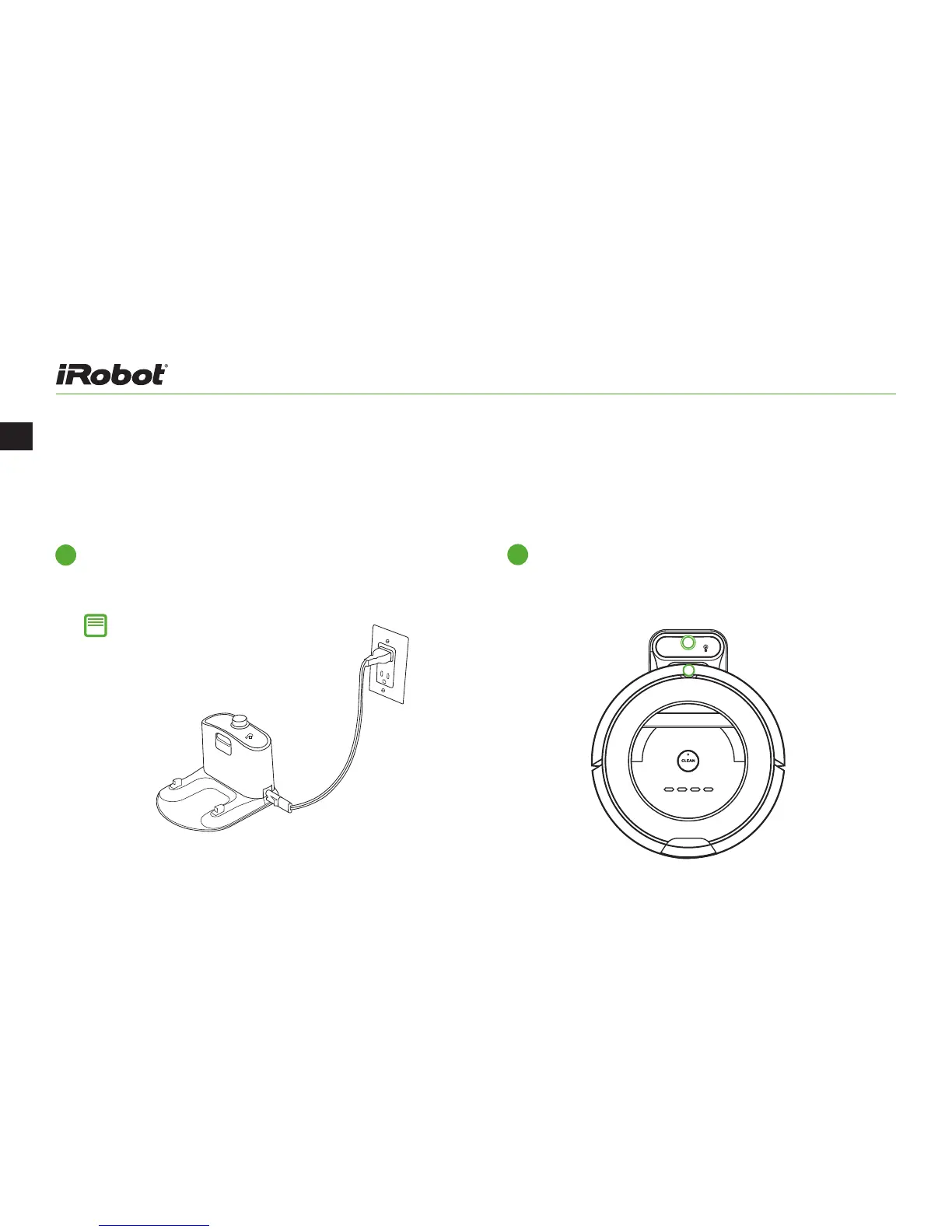
Set up the Home Base
®
Place the Home Base against a wall and
use the power cord to connect it to a socket.
1
Wake up Roomba
Turn your robot over and remove the yellow bin
insert and battery pull tab. Then, place Roomba
on the Home Base to activate the battery.
2
Note: Position the Home Base® on
a hard, level surface against a wall.
Make sure it’s at least four feet
(1.2 meters) from any stairs and that
Roomba has a clear path to reach it.



 To Next Page