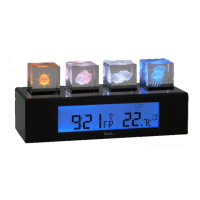
3. PUTTING INTO OPERATION
1. Put all radio sensors that you want to use into operation and place these in close proximity (1-2 metres) to the reception
device.
2. Open the battery compartment of the display device and remove all insulation strips. If no batteries are in the device, insert
the 2 batteries (UM-3 or ‘AA’ 1.5 V) in the correct polarity.
3. Now close the battery compartment.
4. Directly after the activation of the batteries, all segments are displayed for a few seconds on the display. The HTG79 then
begins with the time at 0:00 and 1.1.08 and the search of available sensors on all 5 channels.
5. Now set the time and the date and reset all Min/Max memories with the CLEAR key. This guarantees that you will be able
to read the valid MIN/MAX recordings with a valid time/date.
6. As soon as the sensor is displayed correctly (see ‘Reception status’ in Chap., 4), you can set up the sensor in the place
where you want to effectively measure the outdoor temperature and humidity. Under the most ideal conditions, this can be
up to 30 m away. In reality, however, this is often less. In the event of problems, try out other places, and do so both for the
sensor and for the display device.
The radio sensor is weatherproof. Nevertheless, please place the sensor where possible in the dry and at any rate in the
shade.
4. RADIO THERMOMETER/HYGROMETER
The operation of the radio sensor supplied is described in the instructions which are delivered separately.
Other Irox radio sensors that are compatible with the HTG79:
3 channels (can be used on the channels, 1, 2 or 3) : HTS12C, HTS33, HTS13, HTC13
5 channels (can be used on all 5 channels) : HTS55*
(*HTS55 is included in the scope of delivery of the HTG78 and can be used on the channels 1-5)
With the sensors with thermometer only, simply only the temperature is displayed on the HTG78.
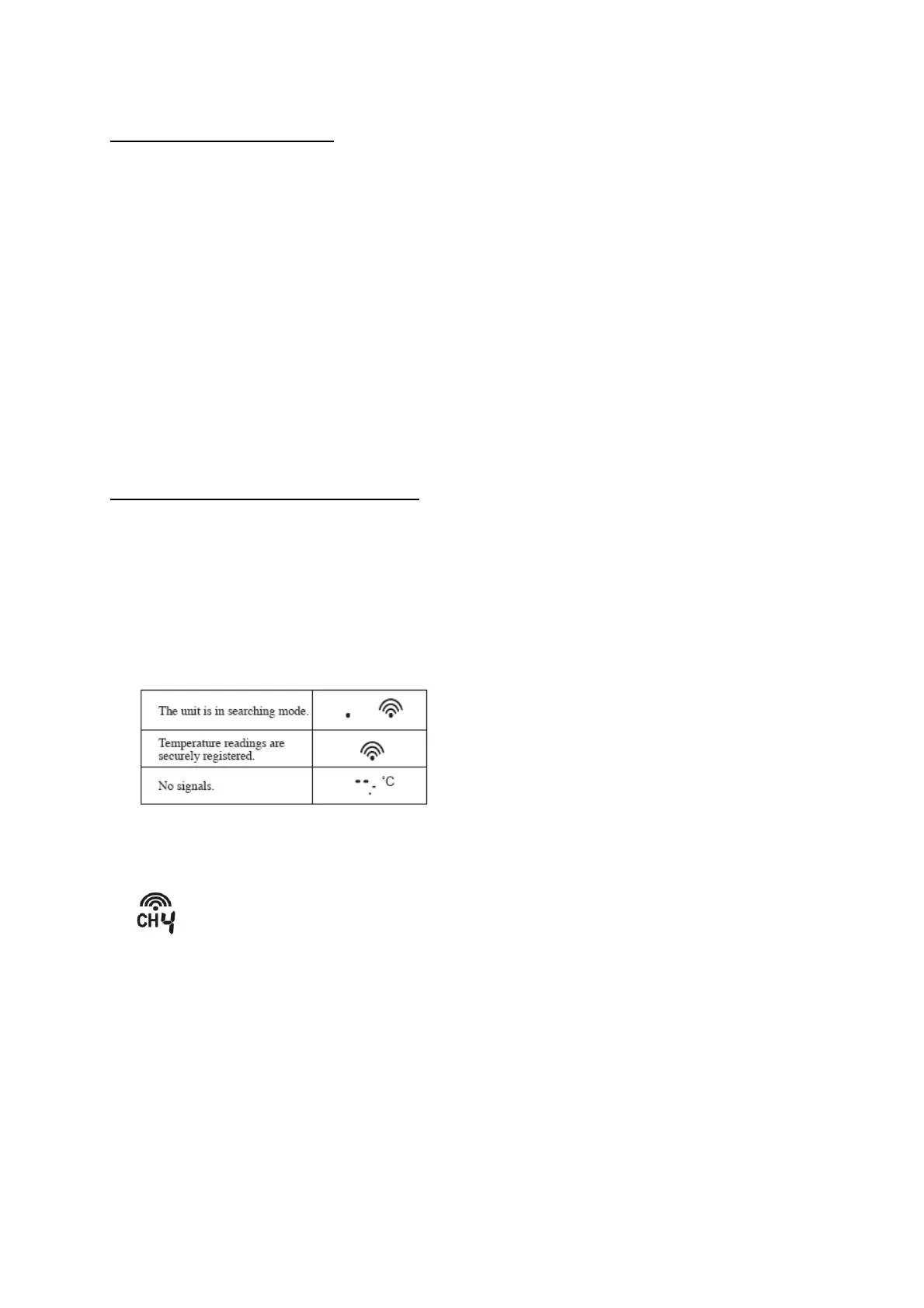
Reception status display
The wave symbol indicates the status of the signal reception of the channel displayed.
Start search process for a sensor
Select the desired radio channel with the CHANNEL key.
Example: Channel 4 (the number 4 is flashing)
Now press and hold the SEARCH key until the wave symbol starts to flash. The device now searches for the sensor on
channel no. 4. This process can take a few minutes and is finished as soon as the wave symbol stops flashing.
We have deliberately ensured that the search channel can be individually called up per channel so that sensors that are
already logged in are not affected by subsequent enhancements.


 To Next Page
 Loading...