27
► STOPWATCH with VERTIC-LOG function
To switch on this function and continue working with it the stopwatch must be on
0:00:00 and ready for a new LOG.
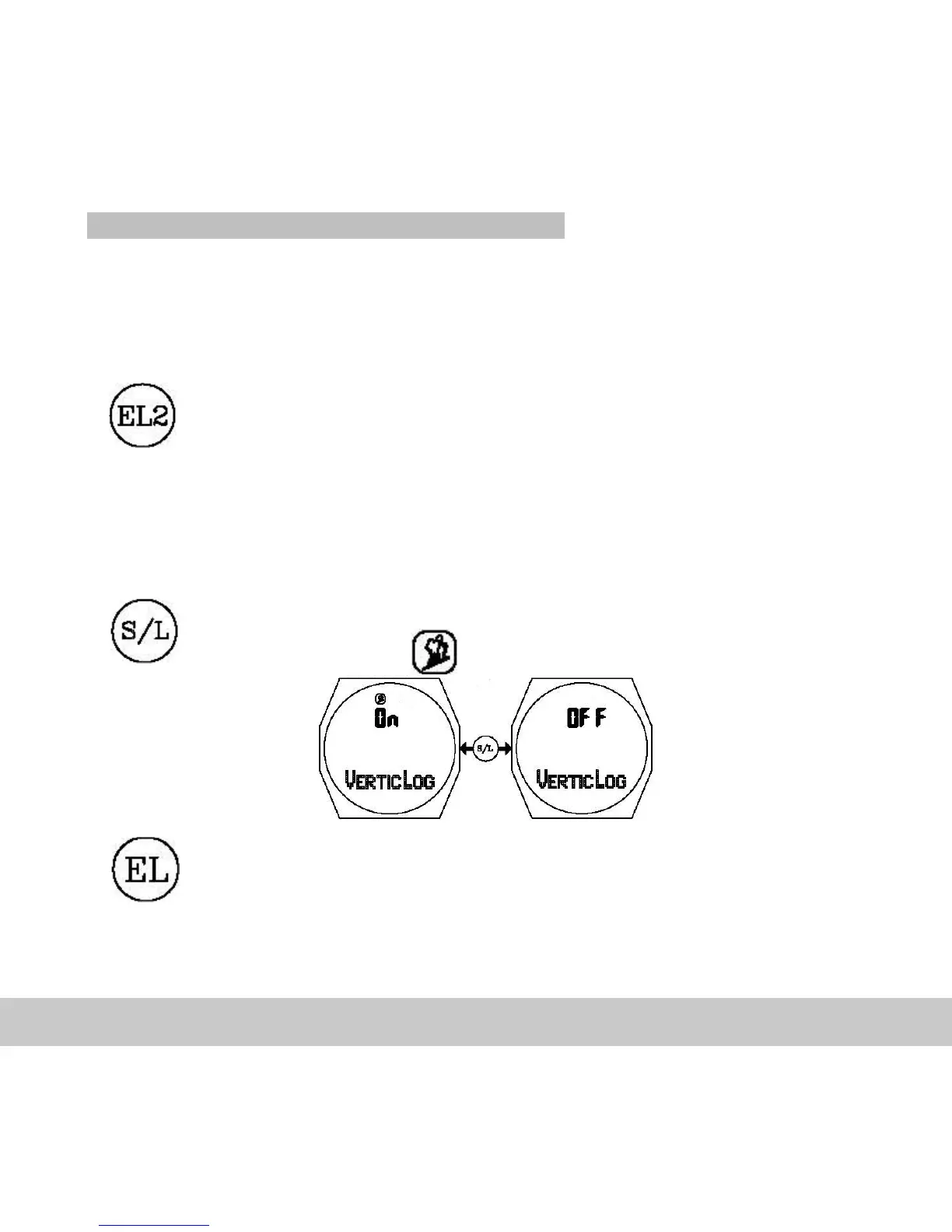
Activate / deactivate the VERTIC-LOG function:
With this button you reach the settings menu of the PEER functions
(see 4.3.2) and the ON / Off switching of the VERTIC-LOG function.
You can also access the VERTIC-LOG function by pressing the S/R
key in the following sequence three times:
PAIR DEV. -->S/R--> FOOTPEER -->S/R--> SET ZONE -->S/R-->
VERTICLOG.
The element to be set (ON
–
OFF) will start to blink.
The VERTIC-LOG is activated / deactivated with this button.
If active the icon will appear.
Confirm setting and return to stopwatch.
If during setting for longer than one minute no button is pressed, the watch will
automatically leave the set mode. The settings made up to this point will be stored.



 To Next Page