EasyManua.ls Logo

iRV Technologies iRV 70 - Page 14

iRV Technologies iRV 70
19 pages
Print Icon
To Next Page IconTo Next Page
To Previous Page IconTo Previous Page
Loading...
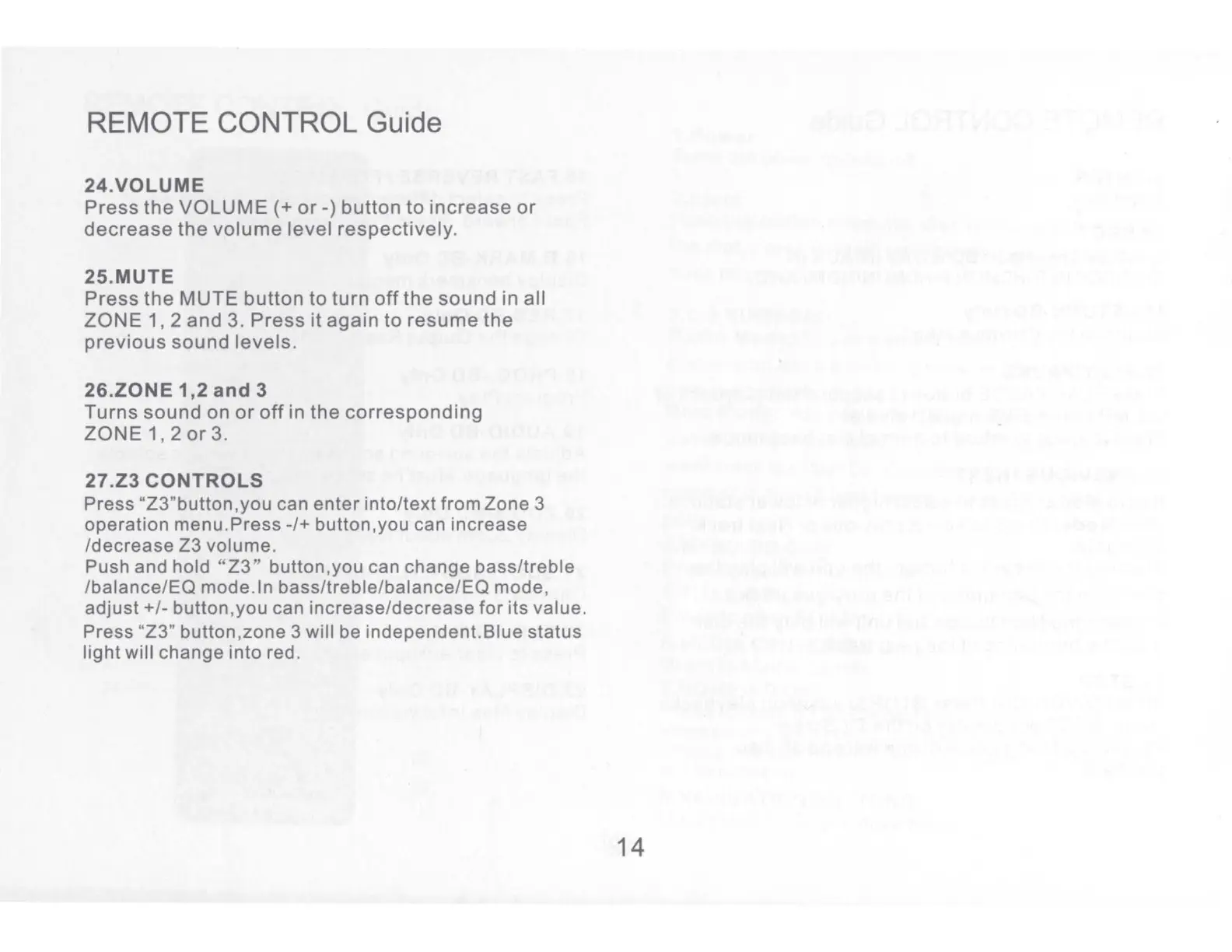
REMOTE CONTROL Guide
24.VOLUME
Press
the
VOLUME(+
or-)
button
to
increase
or
decrease
the
volume
level
respectively.
25.MUTE
Press
the
MUTE
button
to
turn
off
the
sound
in
all
ZONE
1, 2
and
3.
Press
it
again
to
resume
the
previous
sound
levels.
26.ZONE
1,2
and
3
Turns
sound
on
or
off
in
the
corresponding
ZONE
1, 2
or
3.
27.23
CONTROLS
Press
"Z3"button,you
can
enter
into/text
from
Zone
3
operation
menu.Press-/+
button.you
can
increase
/decrease
Z3
volume.
Push and hold
"Z3"
button,you
can
change
bass/treble
/balance/EQ
mode. In
bass/treble/balance/EQ
mode,
adjust+/-
button.you
can
increase/decrease
for
its
value
.
Press "Z3"
button.zone
3 will be
independent.Blue
status
light
will
change
into
red.
14

Related product manuals