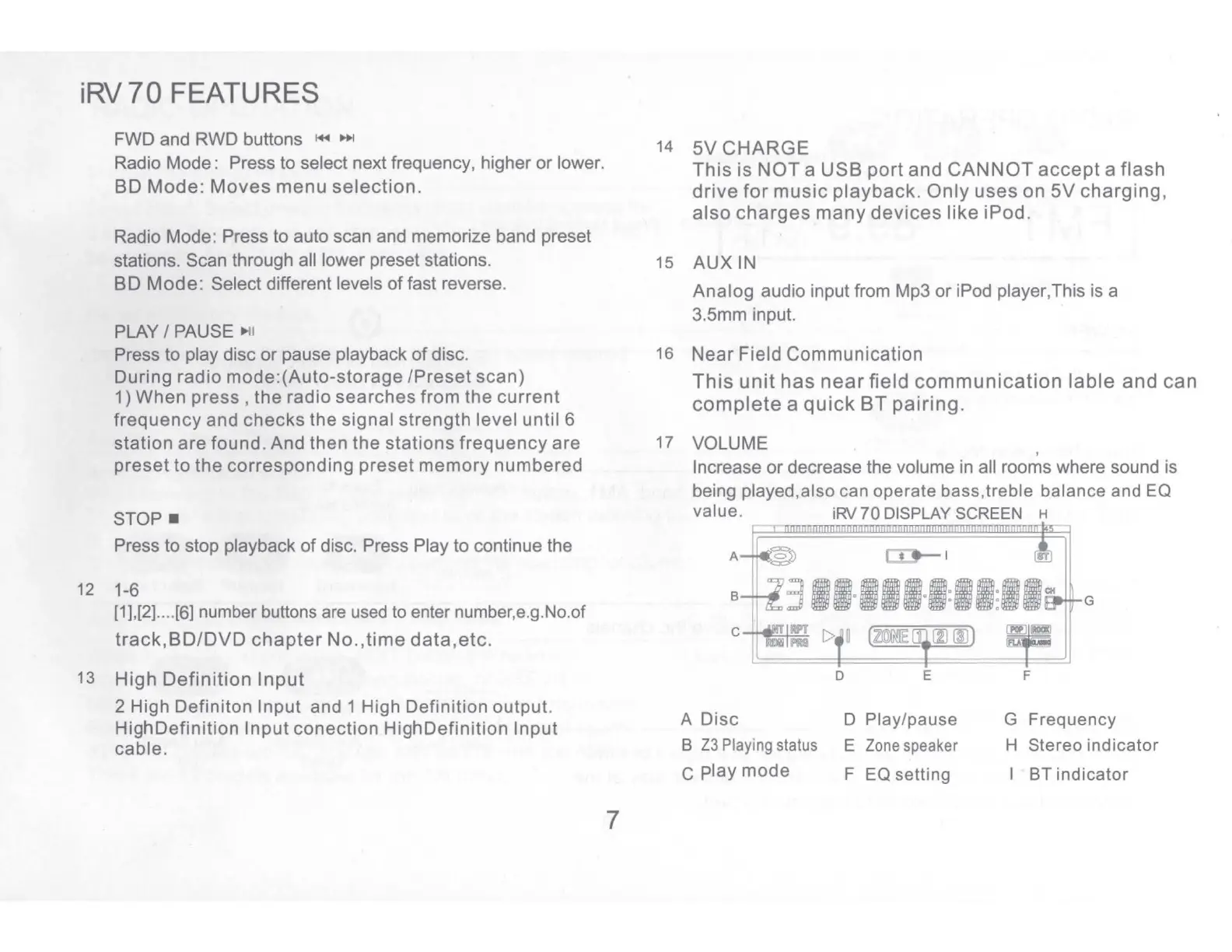
iRV
70
FEATURES
FWD and
RWD
buttons
~
11+1
Radio Mode: Press to select next frequency, higher or lower.
BO
Mode:
Moves
menu
selection.
Radio Mode: Press to auto scan and memorize band preset
stations. Scan through all lower preset stations.
BO
Mode:
Select different levels of fast reverse.
PLAY/
PAUSE
►
11
Press to play disc or pause playback of disc.
During radio
mode:(Auto-storage
/Preset
scan)
1) When
press,
the
radio
searches
from
the
current
frequency
and
checks
the
signal
strength
level
until
6
station
are found. And then
the
stations
frequency
are
preset
to
the
corresponding
preset
memory
numbered
STOP
■
Press to stop playback
of
disc. Press Play to continue the
12 1-6
[1],[2]
....
[6] number
buttons
are
used
to
enter number,e.g.No.of
track,BD/DVD
chapter
No.,time
data,etc.
13
High
Definition
Input
2 High Definiton Input and 1 High Definition output.
HighDefinition
Input
conection
HighDefinition
Input
cable.
7
14
5V
CHARGE
This
is
NOT
a
USB
port
and
CANNOT
accept
a
flash
drive
for
music
playback.
Only
uses
on
5V
charging,
also
charges
many
devices
like
iPod.
15
AUX
IN
Analog
audio input from Mp3 or iPod player,This is a
3.5mm input.
16
Near
Field
Communication
This
unit
has
near
field
communication
lable
and
can
complete
a
quick
BT
pairing.
17 VOLUME
'
Increase or decrease the volume in all rooms where sound is
being played,also can operate bass,treble balance and
EQ
value.
iRV
70
DISPLAY
SCREEN
H
A
Disc
B
Z3
Playing
status
c
play
mode
D E
D Play/pause
E
Zone
speaker
F
EQ
setting
G
F
G Frequency
H Stereo indicator
BT indicator


 To Next Page