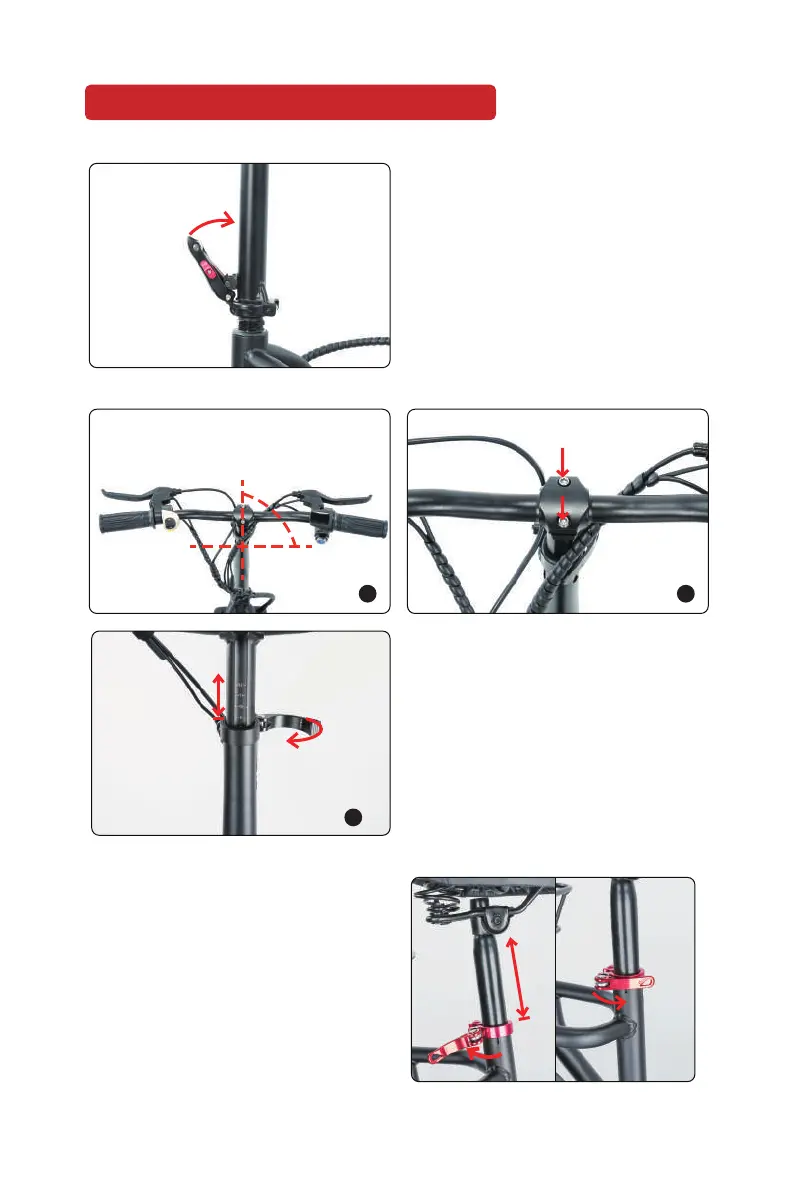
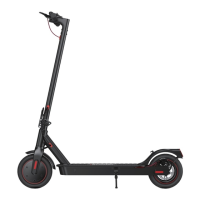
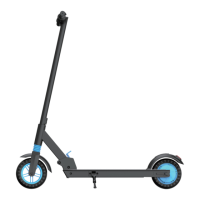
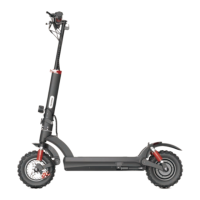
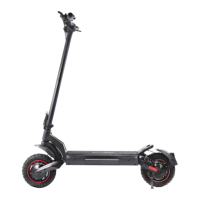
Stand the handle post upright and
close the locking latch.
• Place the handlebar on the slot of
the handlebar clamp. Then tighten
the bolts that hold the clamp.
• Open the quick-release lever of the
handle post clamp. Adjust the
handlebar to the deired height and
then close the quick-release lever.
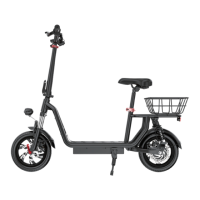
3. Install the saddle:
Open the quick-release lever of the
seat post clamp and insert the seat
post into the seat tube. Adjust the
seat to your desired height and then
close the quick-release lever.
ASSEMBLE YOUR SCOOTER
1 2
3
01 02 03 04 05 06
2. Install the handlebar
1. Unfold the handle post
90°


 To Next Page