Drive Modes
09
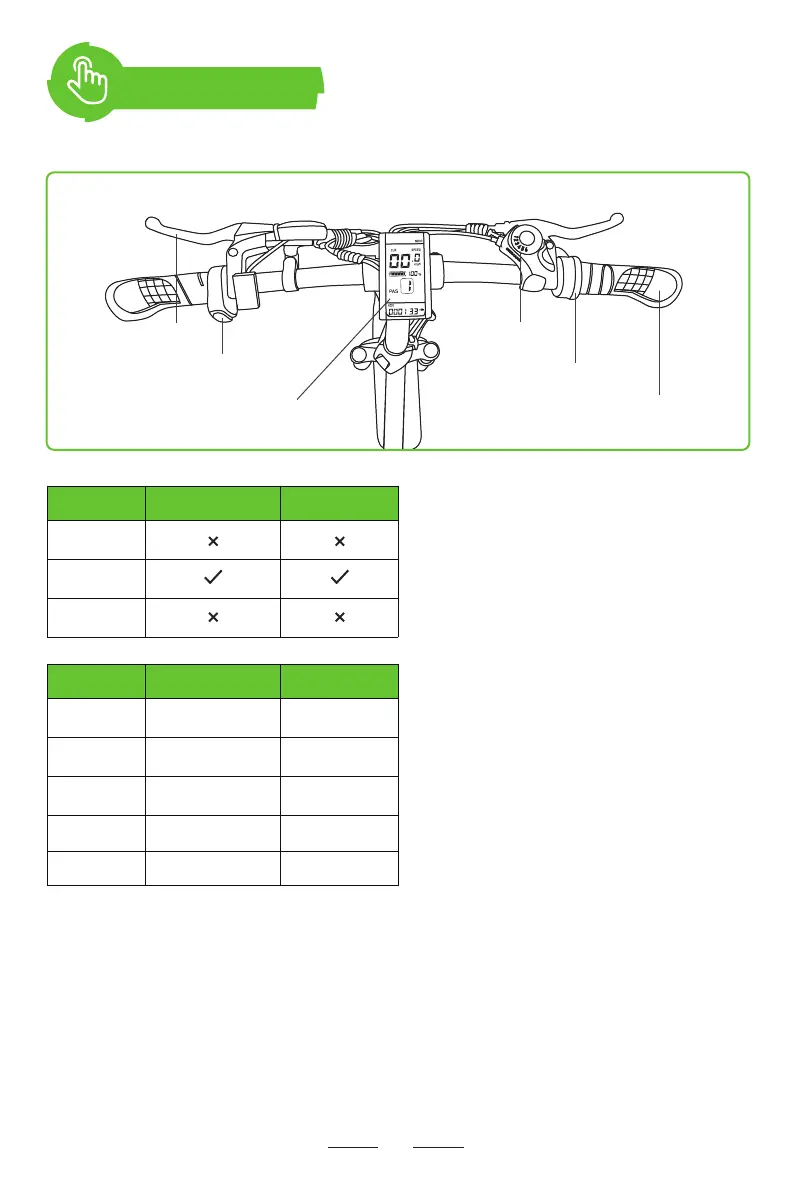
Twist Throttle
Turn on the LCD smart display and you
can switch the speed by twisting the
throttle with speed mode from 1 to 5.
PAS
Turn on the LCD smart display and you
can pedal it with PAS level from 1 to 5.
Pedal
Turn off the LCD smart display and you
can pedal the E-Bike like a normal bike.
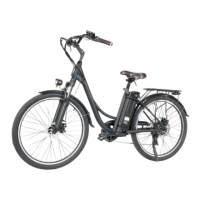
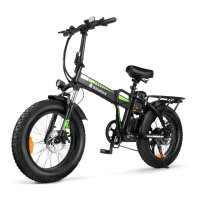
● Fully charge the battery before riding and make sure the battery switch is in on position.
● Press and hold the power button for 2 seconds to power on the electric bike.
● Top speed (in throttle mode) is 20 MPH (32 KM/H).
● Switch between gears by pressing the gear button or pushing the gear lever. The gear button
can only increase the gear level.
● Stop: Release the accelerator and squeeze the brake lever to slow the front and rear wheels.
Drive Modes Twist Throttle Pedal Assist
0
1-5
Display OFF
Gear Twist Throttle Pedal Assist
1 9.5 MPH
12.9 MPH
15.6 MPH
19.1 MPH
20.1 MPH
9.5 MPH
12.9 MPH
15.6 MPH
19.1 MPH
20.1 MPH
2
3
4
5
Brake Lever
On/of Switch
Shift Lever
Throttle
Handlebar
Electirc Bike Display


 To Next Page