07
First Ride
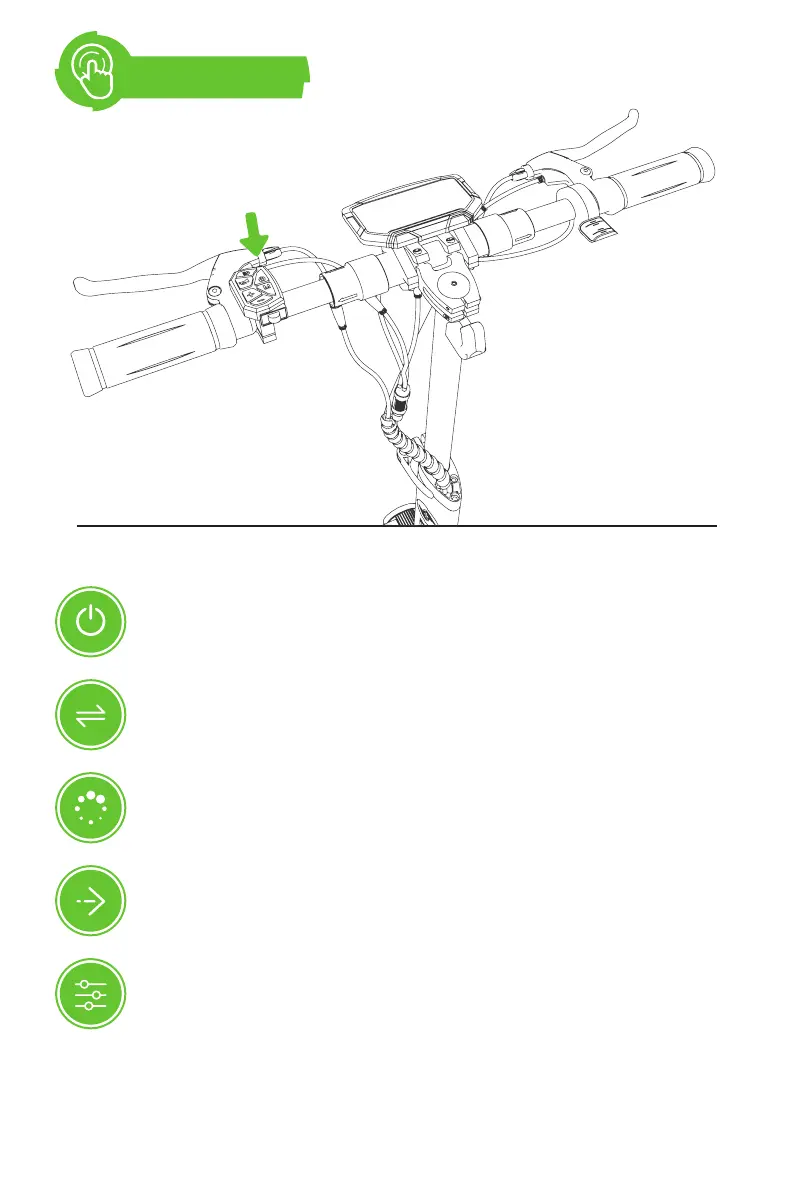
1. Press the power switch for 1-3 seconds and then release, LCD display
is on — it means the electric scooter is successful turned on.
2. Press the headlight button after power on to turn on the headlight and
the ambient light on the deck.
3. Zero start: after power-on, press the accelerator and the motor of the
scooter will rotate, and the scooter will go forward. (The throttle works
even when the E-scooter is not in motion.)
4. Non-zero/Kick-and-go start: With kick-and-go start mode on, scoot the
E-scooter for the throttle to operate.
5. Riding mode: After power on, press +/- key to switch between ECO,
STD, and TURBO modes. (The default mode is low-speed ECO at first
power-on.)
Power Switch


 To Next Page