ww w.islabikes.co.uk
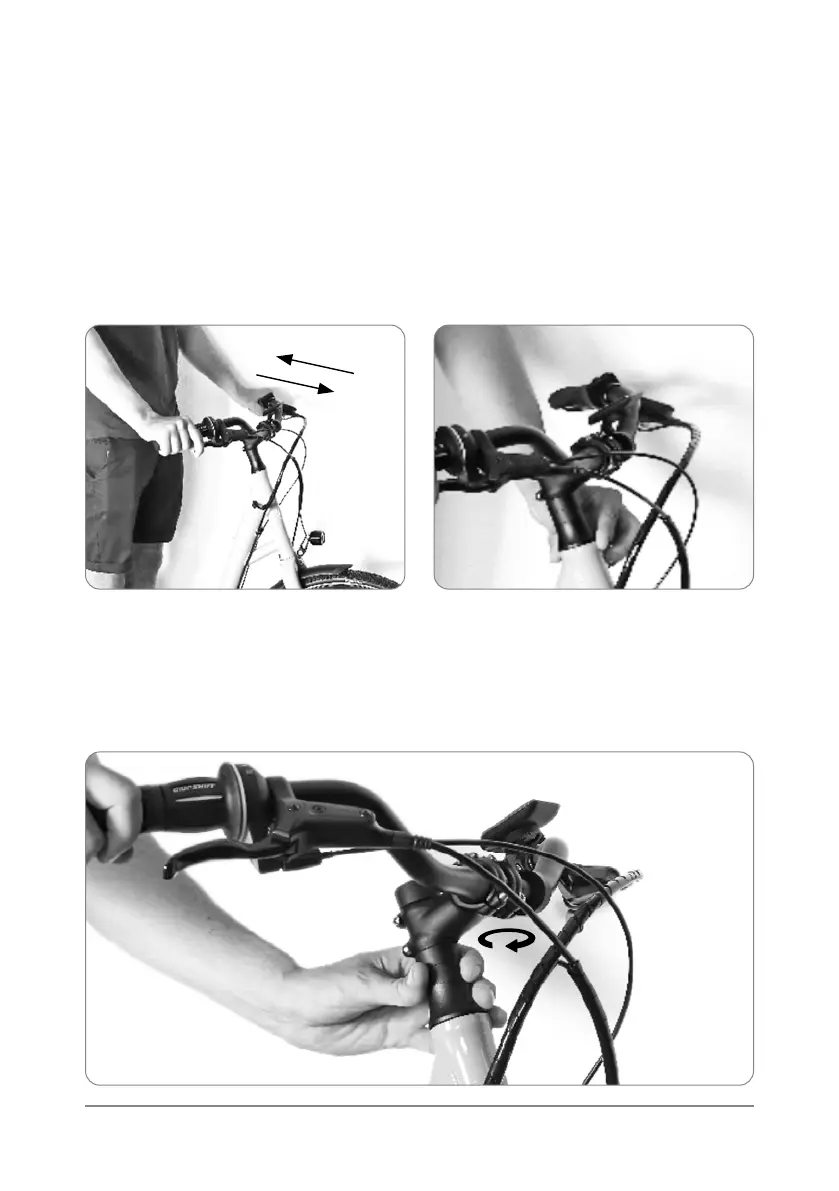
3.4. IMPORTANT - Check the headset for unwanted play (back and forth
movement). While holding the front brake only, rock the bike back
and forth, you should not be able to hear or feel a rocking sensation.
Placing a nger between the headset bearing cover and frame while
rocking the bike back and forth can help detect this movement.
Step 3 of 13
Handlebar set up
3.5.
If you are unsure if there is play in the headset, attempt to rotate a headset
spacer located under the stem, the headset spacer should not be easily
rotated. If it is possible to rotate the headset spacer, then continue to 3.6.
If you cannot rotate a headset spacer, proceed to step 5 of 13.



 To Next Page